Create · Tool
Image to Prompt
Upload an image and get a written prompt for it. Useful when you have a reference you want to describe, or when you want to see what a model notices in a picture you already like.
Click to choose an image, drag one here, or press Ctrl + V to paste one.
PNG, JPG, or WEBP up to 4 MB.
Your prompt will appear here. Choose an image and select a format, then generate.
How to use it
- 1
Choose an image — click to browse, drag one onto the box, or paste one from the clipboard with Ctrl+V.
- 2
Pick an output format. General description is a plain reading of the image; the model formats add the wording and parameters that model expects.
- 3
Generate. The image is sent to the prompt service and read in full before any text comes back.
- 4
Copy the result and use it as a starting point. Edit it before you rely on it — see the notes below on what it gets wrong.
What it won't do
It cannot recover the prompt that made the image. Two prompts can produce nearly the same picture, and the model only sees the result — so what comes back is a description that would plausibly produce something similar, not the original instructions.
It also cannot tell you the settings. Aspect ratio, seed, sampler, and step count are not visible in a finished image, so any prompt that includes those numbers is guessing.
If you want prompts that come with verified settings, the prompt library lists what each one was generated with.
Explore image prompt examples
Browse visual references and open the full prompt on its own page.
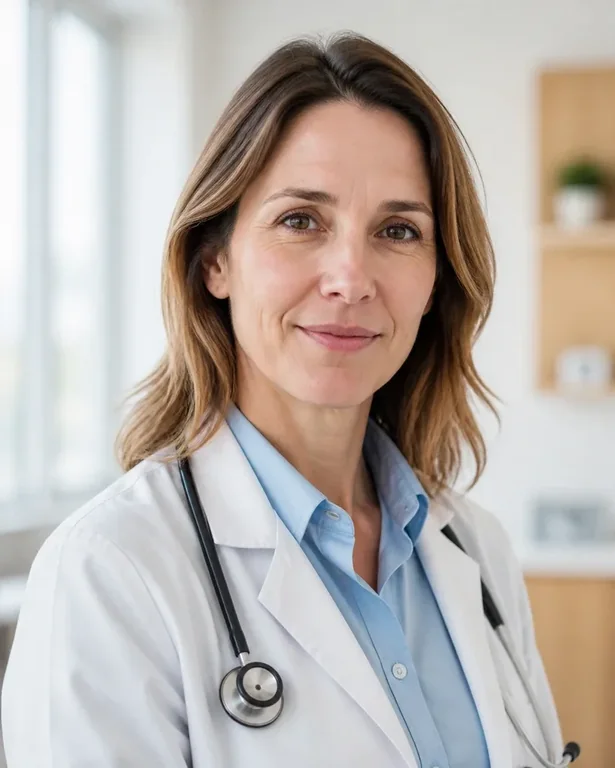
ChatGPT (DALL·E)
Healthcare Professional Clinic Headshot
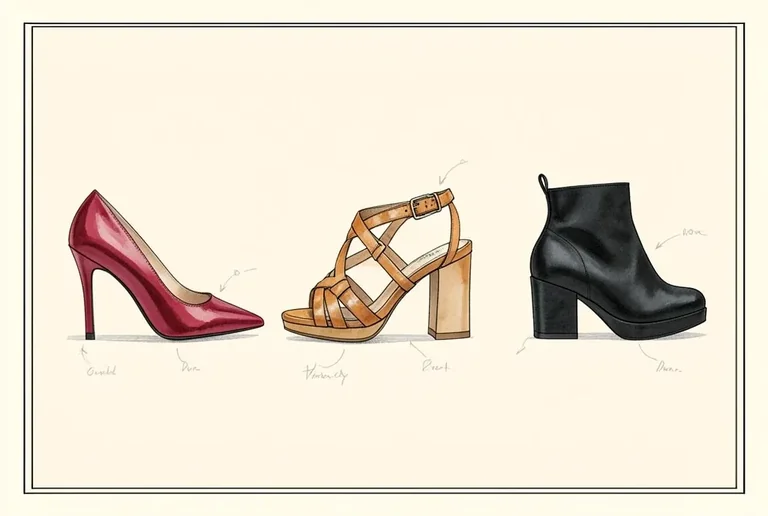
ChatGPT (DALL·E)
Shoe Design Studio Portfolio
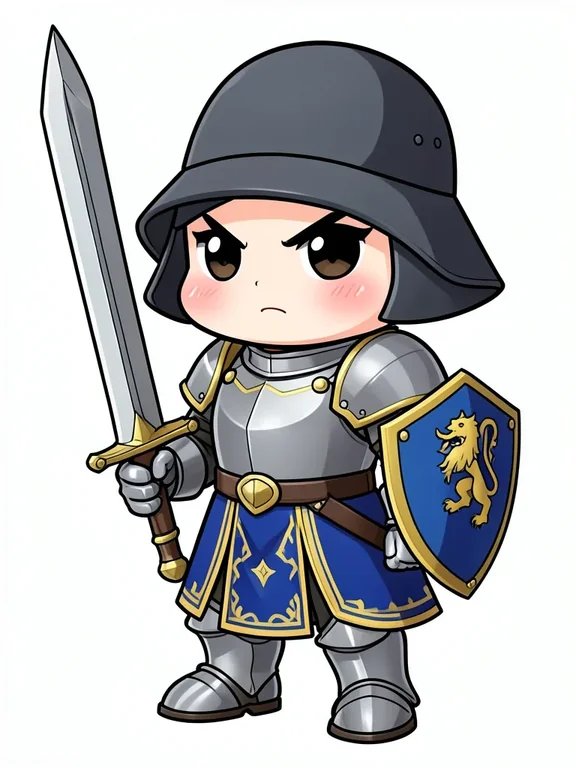
ChatGPT (DALL·E)
Chibi Knight Character
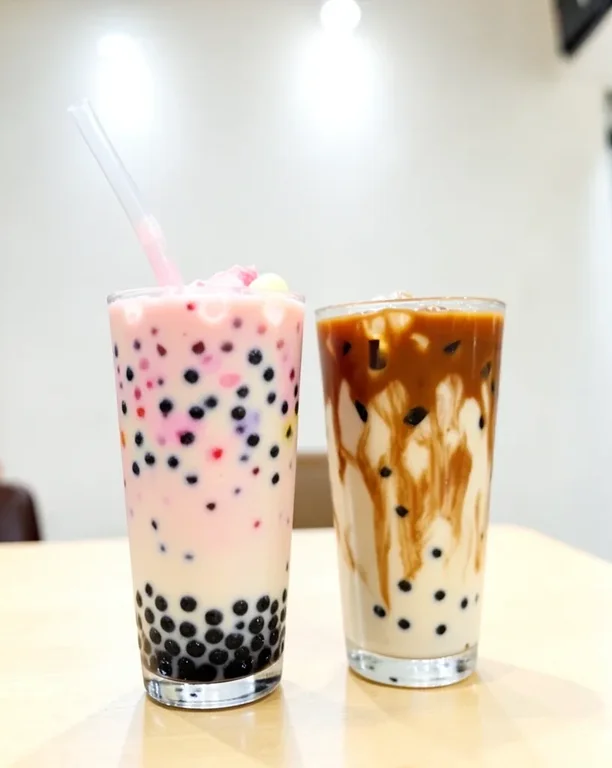
ChatGPT (DALL·E)
Colorful Bubble Tea with Tapioca Pearls
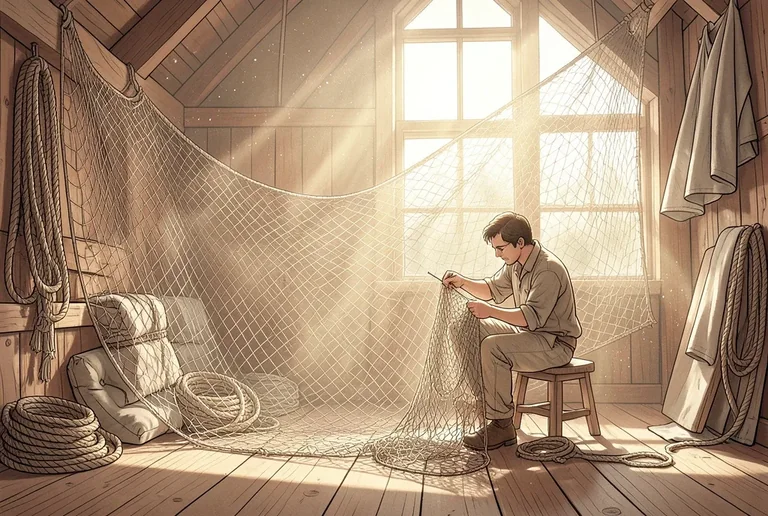
ChatGPT (DALL·E)
Net Mending Loft
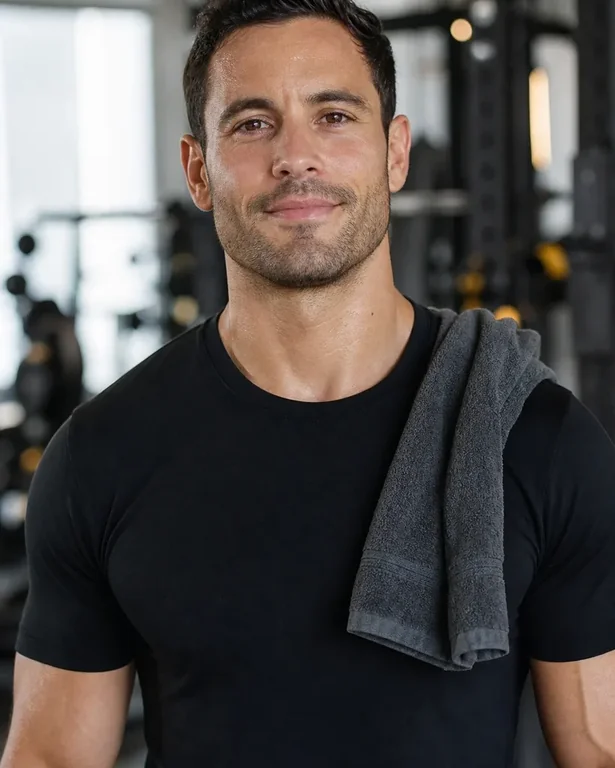
Midjourney
Personal Trainer Gym Headshot
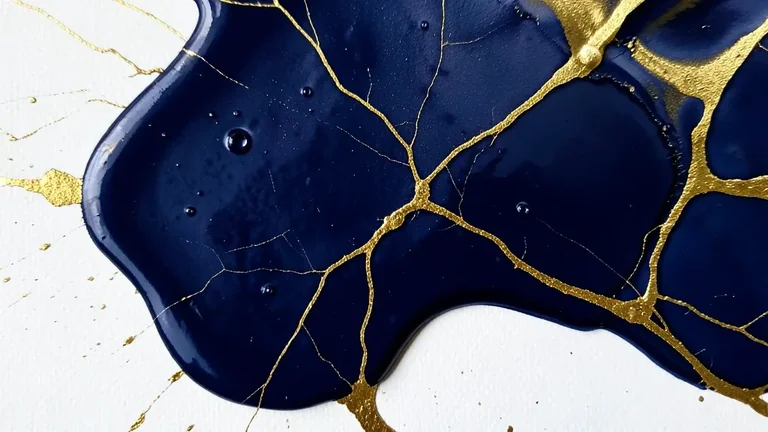
Midjourney
Abstract Fluid Art Gold and Navy Pour
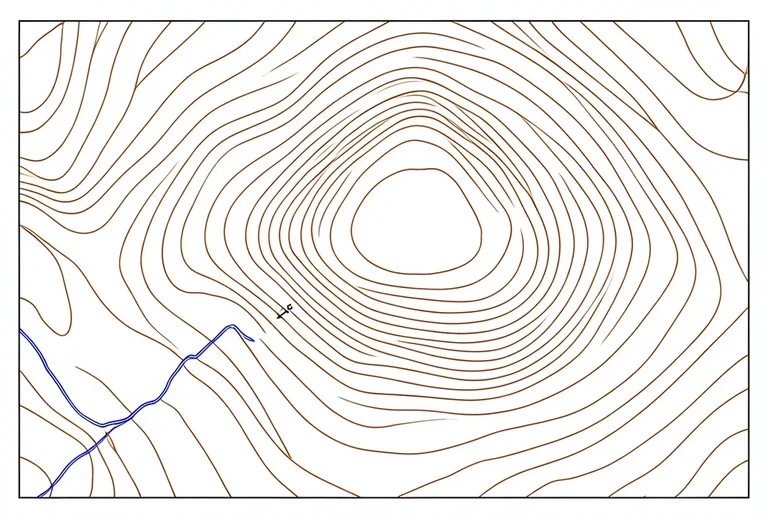
Midjourney
Topographic Map Contour Study
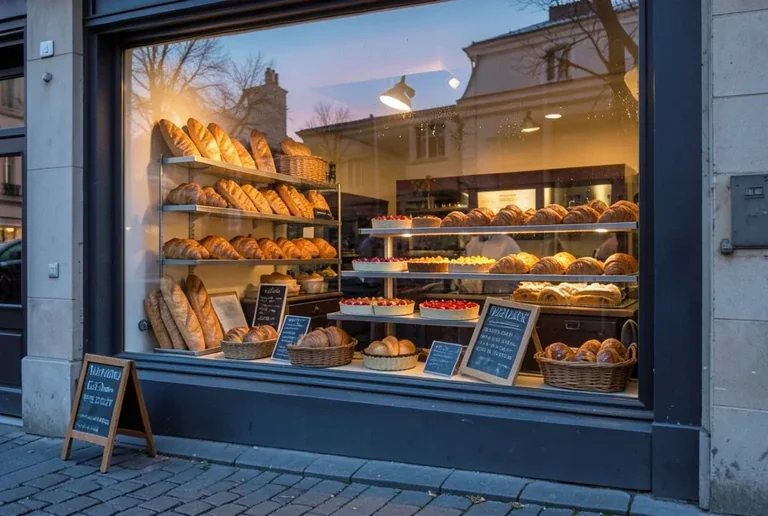
Midjourney
Bakery Window Display at Dawn
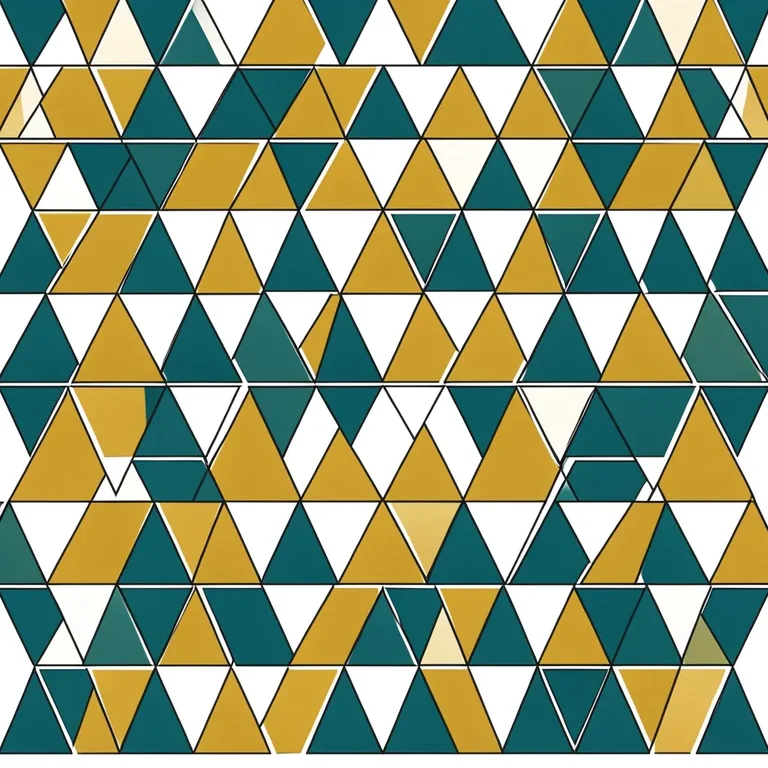
Midjourney
Geometric Triangles Seamless Pattern
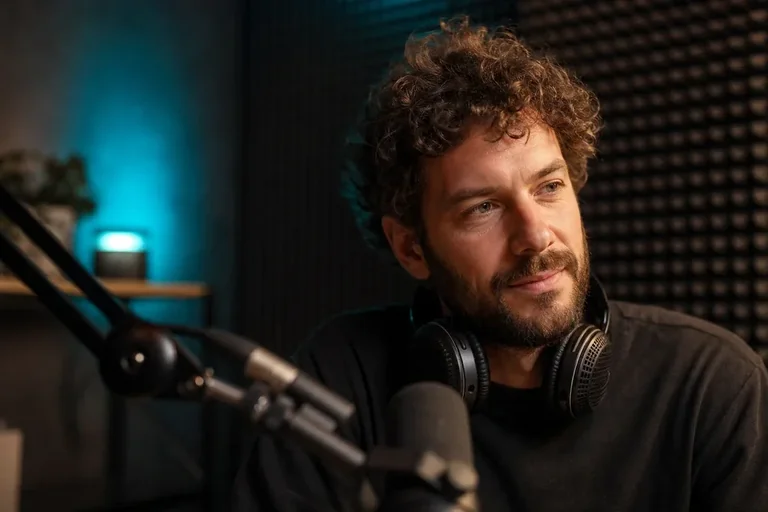
Flux
Podcast Host Studio Portrait
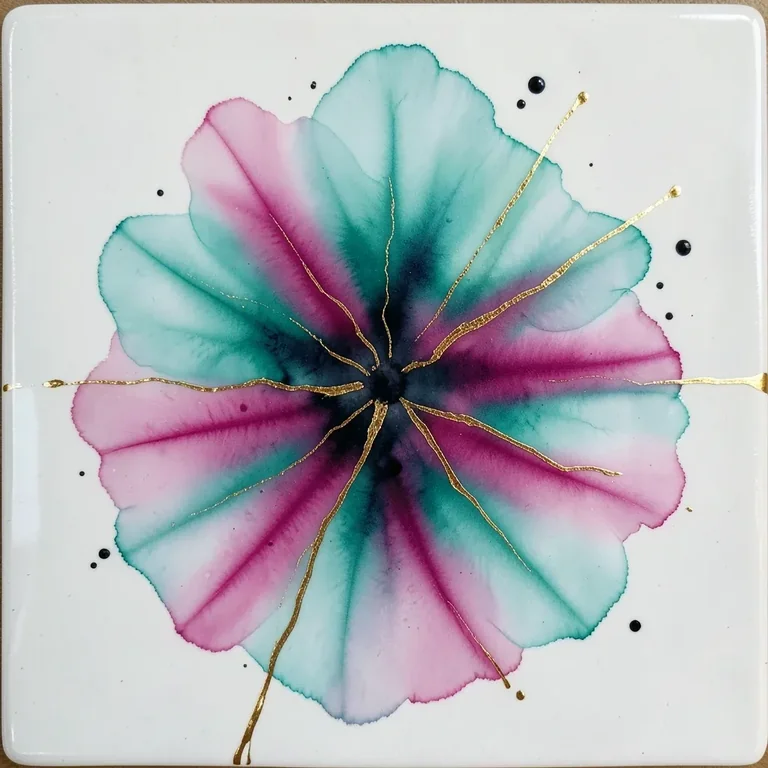
Flux
Abstract Alcohol Ink Teal and Magenta Bloom
Flux
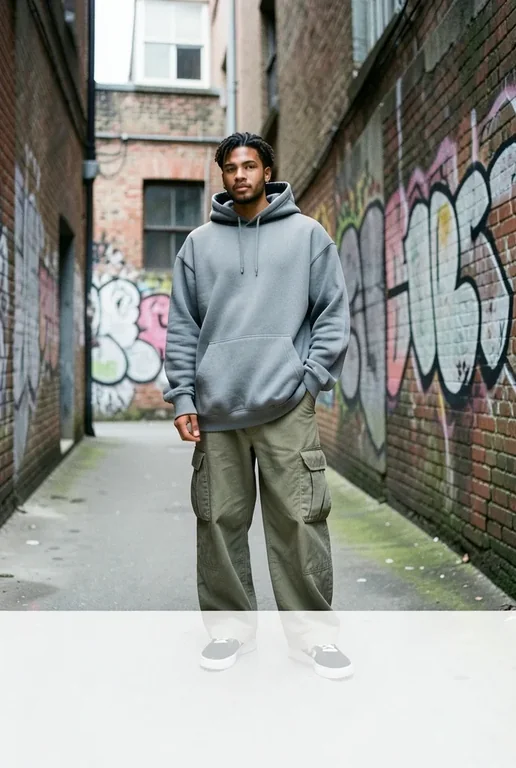
Streetwear Lookbook: Urban Backstreet
Flux
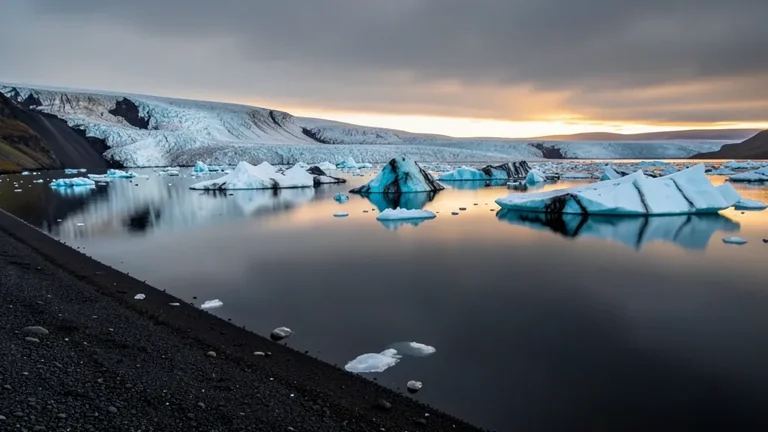
Icelandic Glacier Lagoon with Floating Icebergs
Flux
Minimalist Botanical Leaf Tee
Stable Diffusion
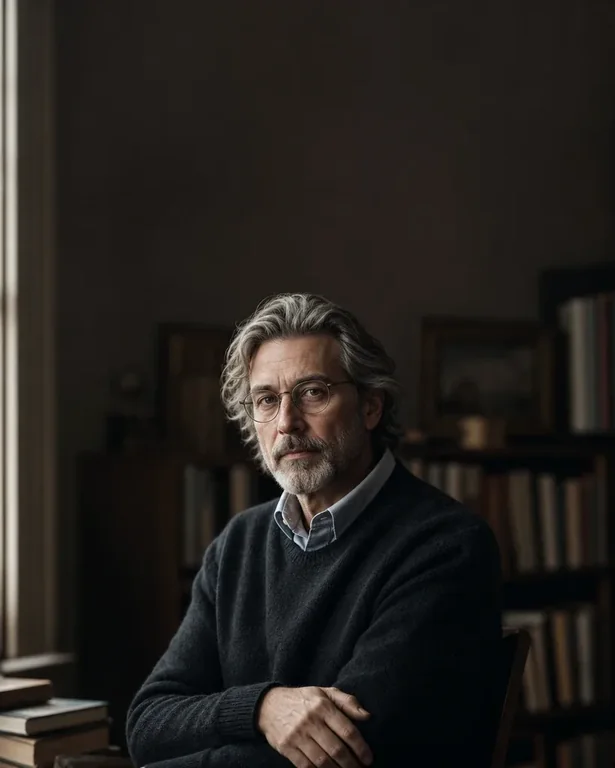
Author Book Jacket Portrait
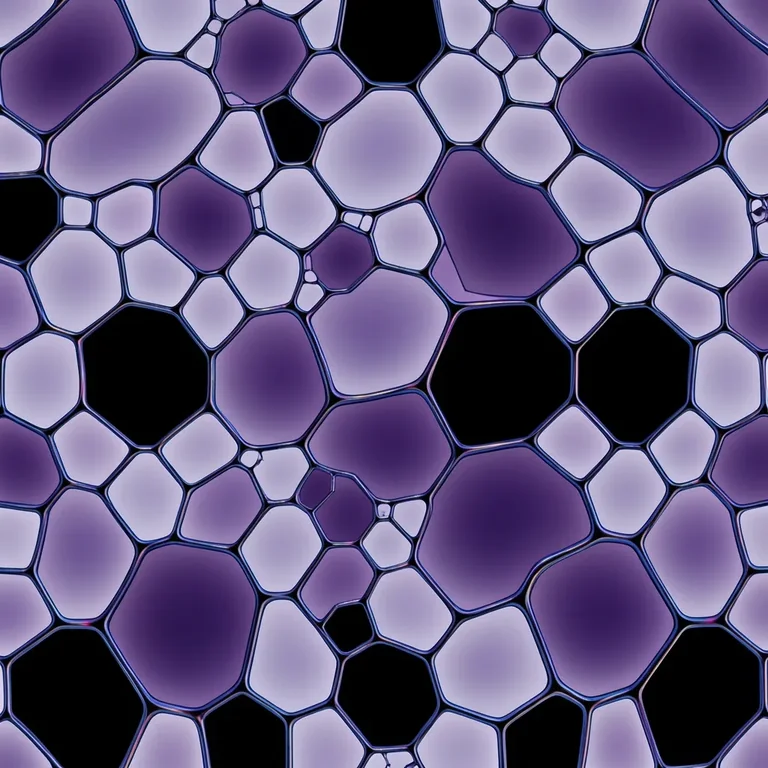
Stable Diffusion
Abstract Fractal Voronoi Cellular Pattern
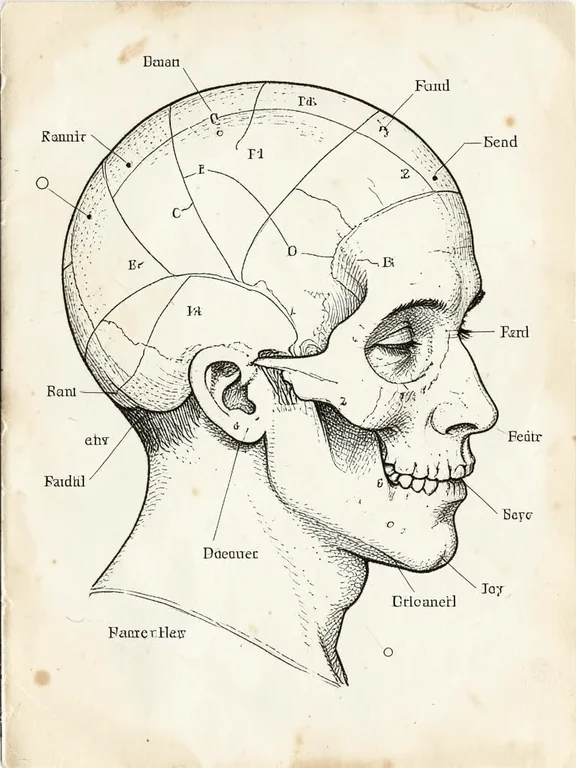
Stable Diffusion
Phrenology Head Diagram Vintage
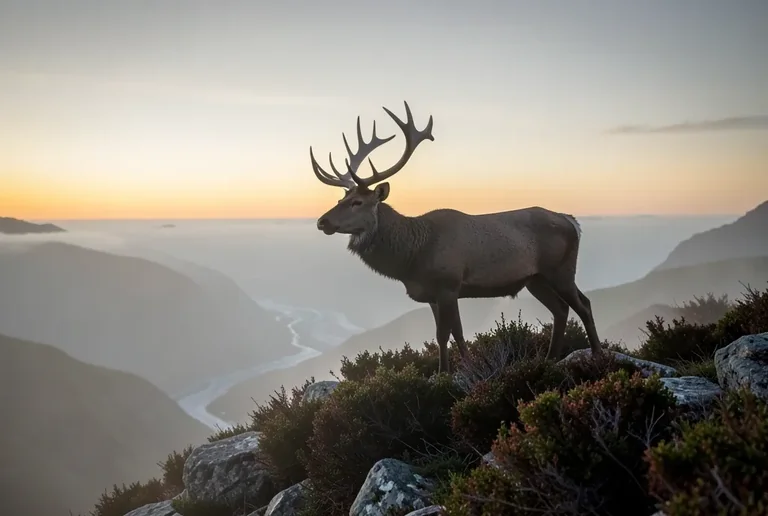
Stable Diffusion
Highland Stag on a Misty Ridge at Dawn
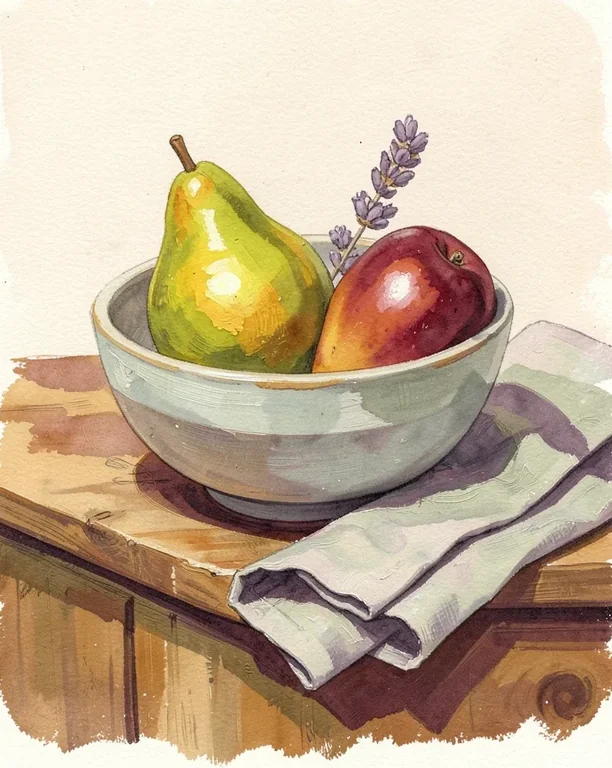
Stable Diffusion
Gouache Fruit Still Life Illustration
Questions
What does this tool actually do?
It sends your image to a vision model and returns a written description of what is in it — subject, setting, light, colour, and style — phrased as a prompt. It is a reading of the image, not a reconstruction of the original instructions, so the wording will differ from whatever prompt produced the image.
What happens to the image I upload?
It is sent to our prompt API to be analysed, and this page does not store it. Treat it the way you would treat any image you send to an online service: don't upload anything you would not be comfortable sending off your device.
Why is the generated prompt sometimes wrong?
Vision models guess. They misread small text, count objects unreliably, and will confidently describe a detail that isn't there. Light and composition descriptions are usually closer than anything involving numbers, hands, or text inside the image. Read the result before you use it.
Why can't I paste an image URL?
Because a browser can only read an image from another site if that site allows it, and most don't. Uploading a file or pasting from the clipboard gives the page the image directly, which always works.
Which output format should I choose?
Match the generator you are going to use. Flux, Midjourney, and Stable Diffusion each expect wording in a different shape, and Midjourney in particular wants its parameters appended rather than written as prose. If you are not sure, start with the general description and edit it yourself.
New to prompting? Start with what an image prompt actually is.