Create · Tool
Image Prompt Generator
Transform simple text into a detailed, descriptive image prompt
0 / 1000
Type a short idea and press Magic Enhance. The detailed prompt will appear here.
How to use it
- 1
Type what you want in plain words. A few words is enough — “a dog”, “a bakery counter at dawn”, “a moody forest portrait”.
- 2
Press Magic Enhance. Your text is sent to the prompt service, which writes it out as a full description.
- 3
Read the result before you use it. It will contain details you did not write — that is what it is for, and also the main thing to watch.
- 4
Use your new image prompt or further edit it if needed
What it won't do
It writes more than you gave it. That is the point, and it is also the risk: the added detail is plausible rather than correct, so a breed, an age, or a time of day can appear that you never asked for and would not have chosen.
It cannot tell what you care about. If one element has to be right — the subject, the light, the setting — put it in your input, because the expansion has no way to know which parts matter to you.
It describes an image, not the settings behind one. There is no aspect ratio, seed, or step count here. If you want prompts that come with verified settings, the prompt library lists what each one was generated with.
Starting from a picture instead of an idea? Use Image to Prompt.
Explore image prompt examples
Browse visual references and open the full prompt on its own page.

ChatGPT (DALL·E)
Healthcare Professional Clinic Headshot
ChatGPT (DALL·E)
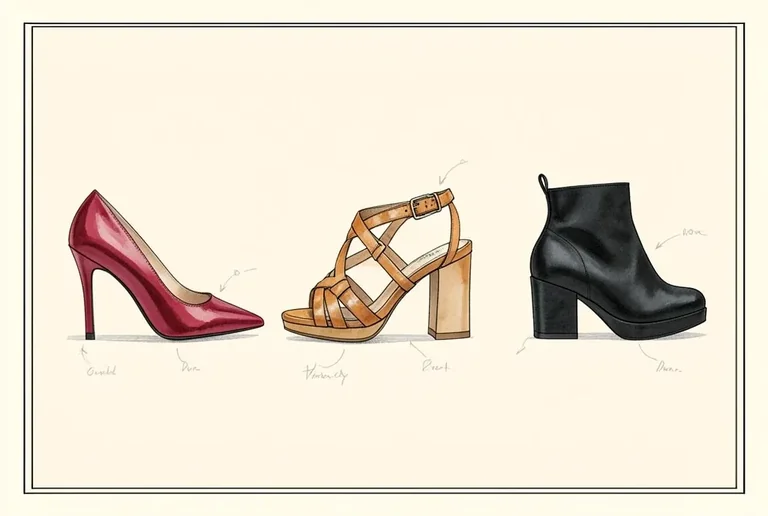
Shoe Design Studio Portfolio
ChatGPT (DALL·E)
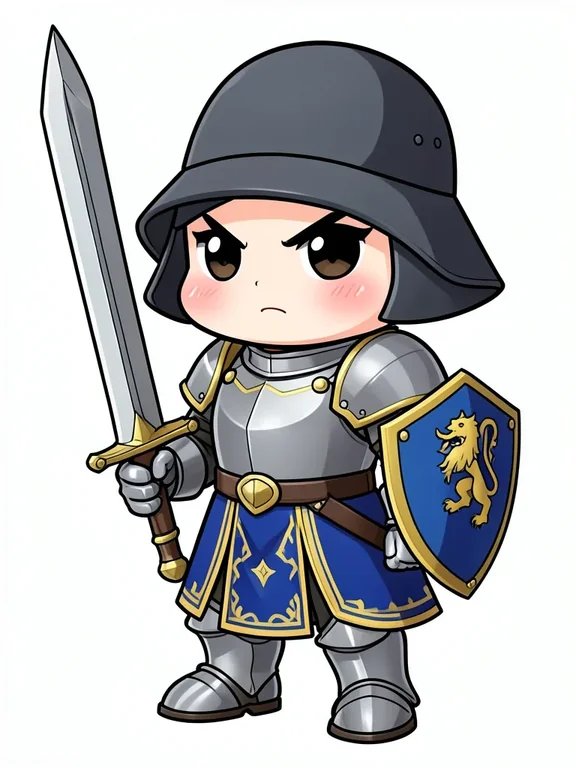
Chibi Knight Character
ChatGPT (DALL·E)
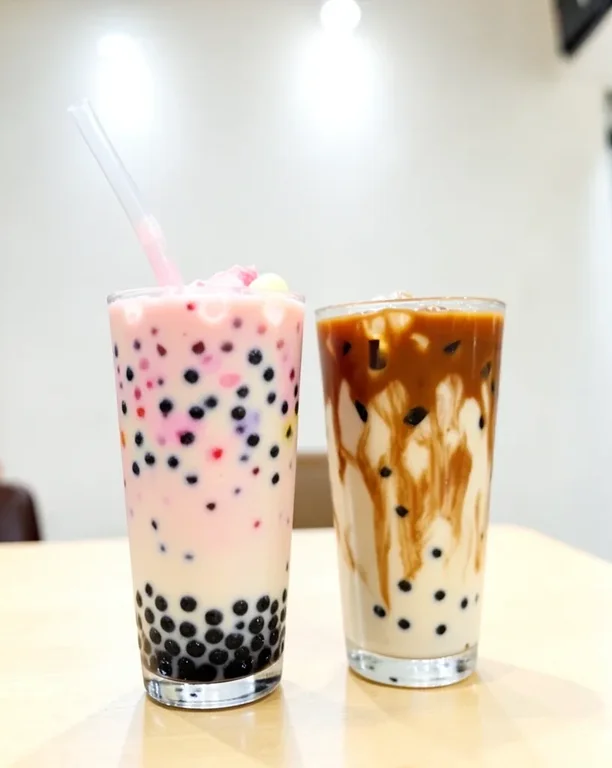
Colorful Bubble Tea with Tapioca Pearls
ChatGPT (DALL·E)
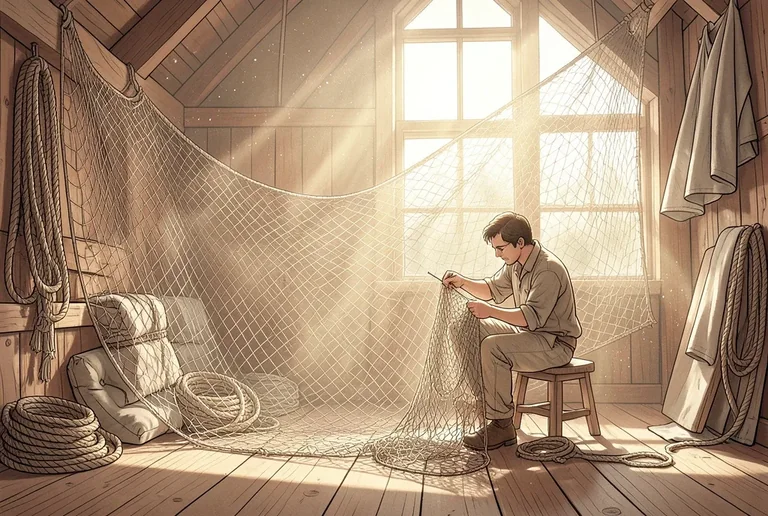
Net Mending Loft
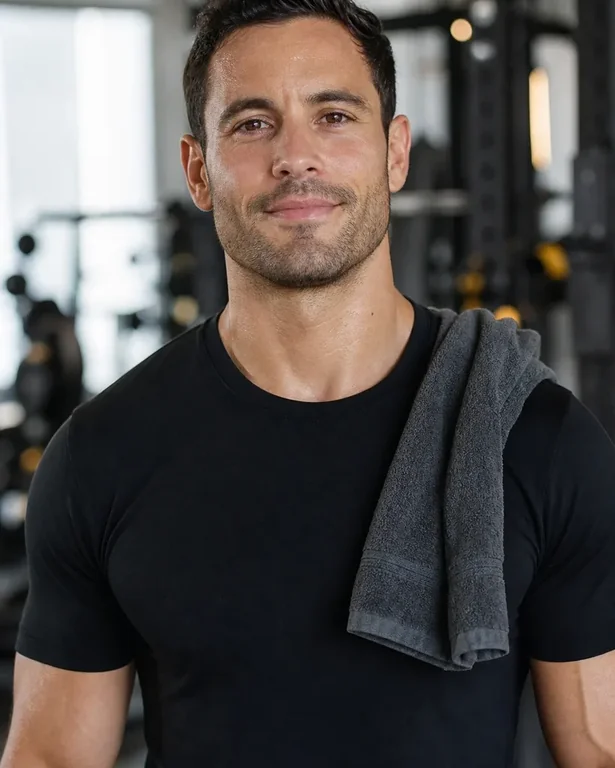
Midjourney
Personal Trainer Gym Headshot
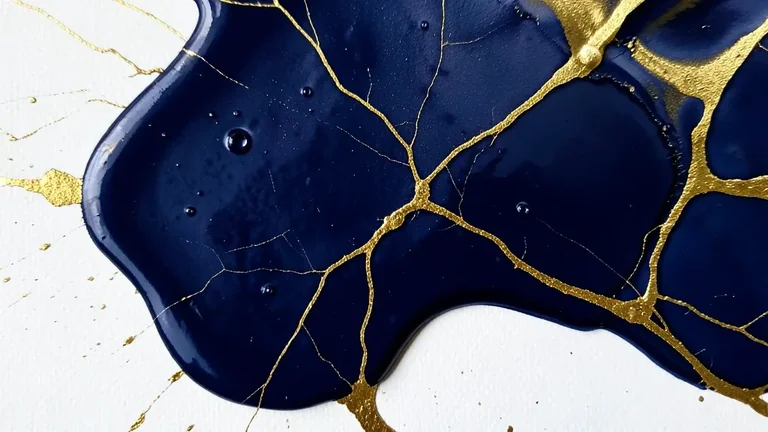
Midjourney
Abstract Fluid Art Gold and Navy Pour
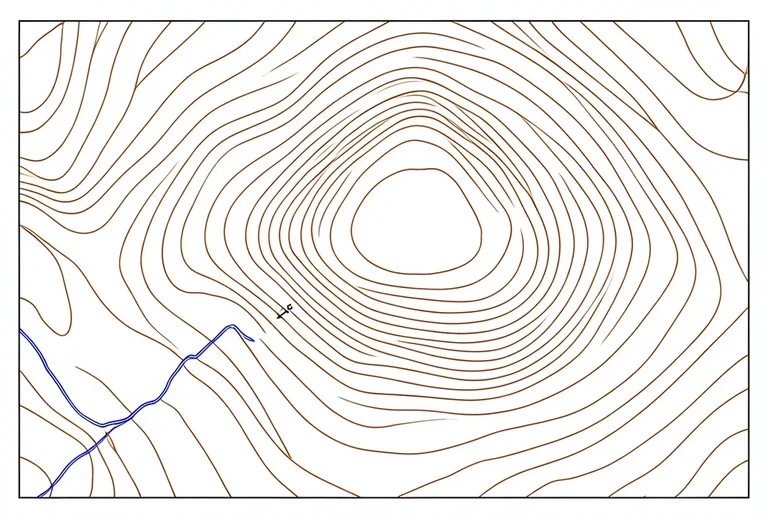
Midjourney
Topographic Map Contour Study
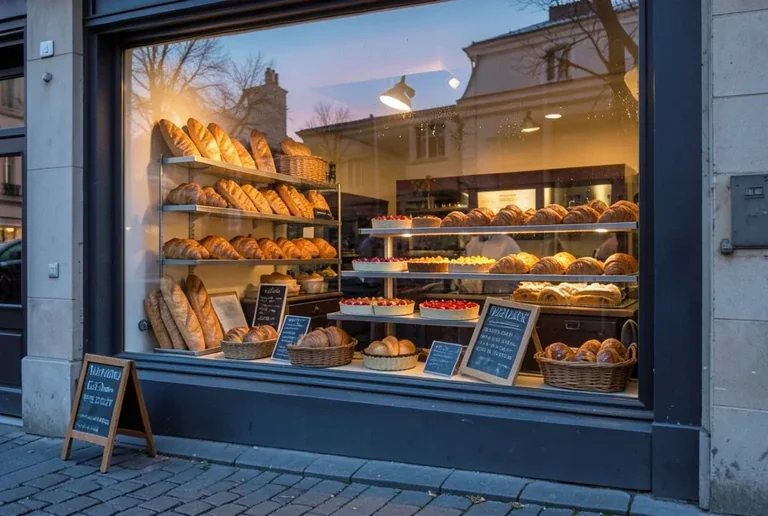
Midjourney
Bakery Window Display at Dawn
Midjourney
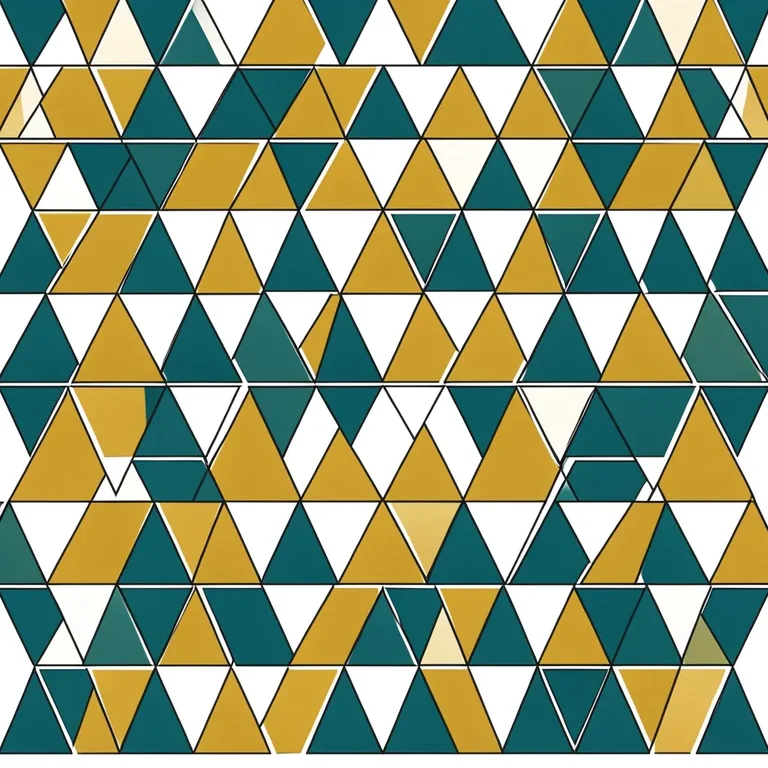
Geometric Triangles Seamless Pattern
Flux
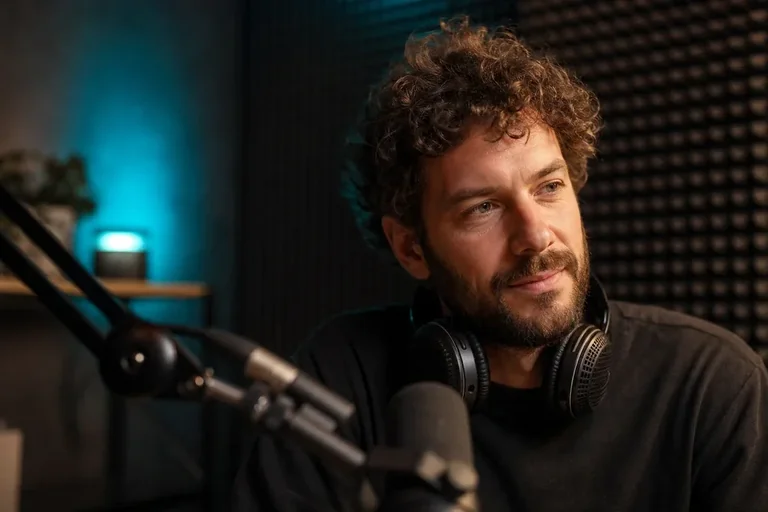
Podcast Host Studio Portrait
Flux
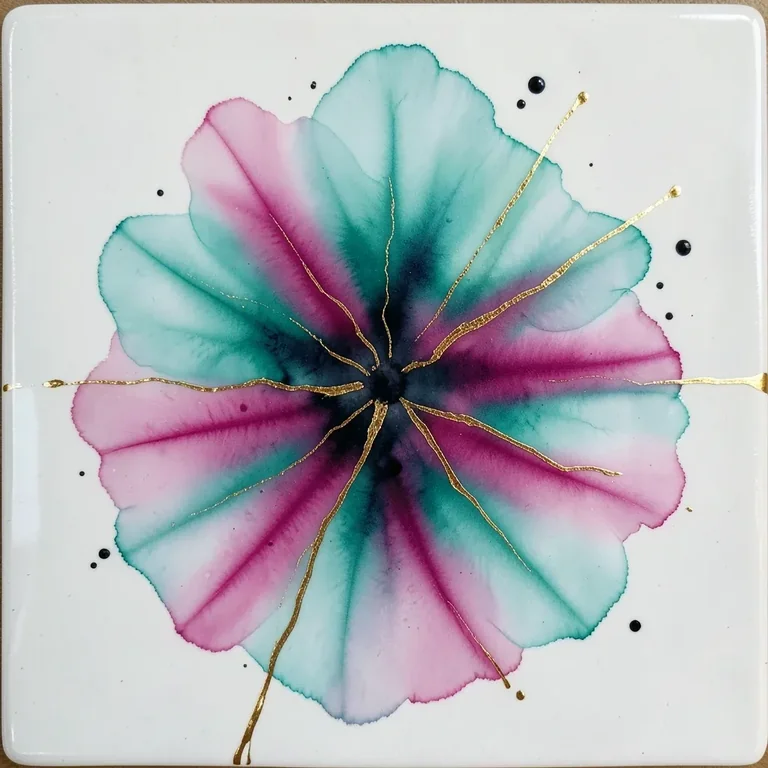
Abstract Alcohol Ink Teal and Magenta Bloom
Flux
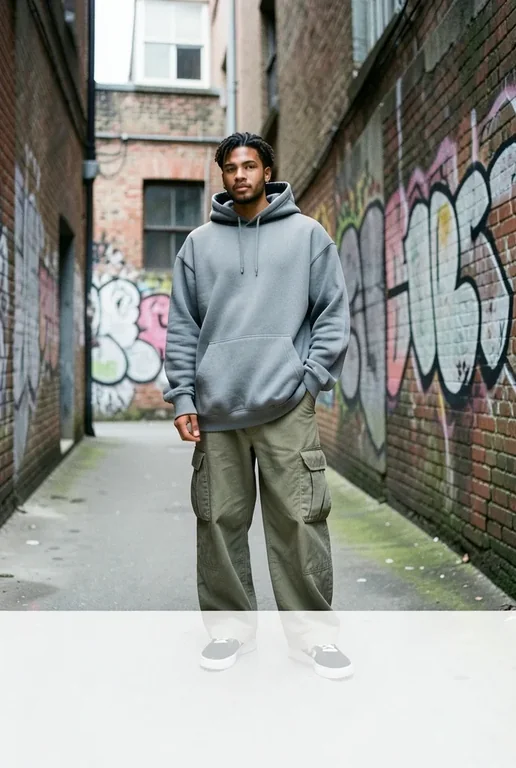
Streetwear Lookbook: Urban Backstreet
Flux
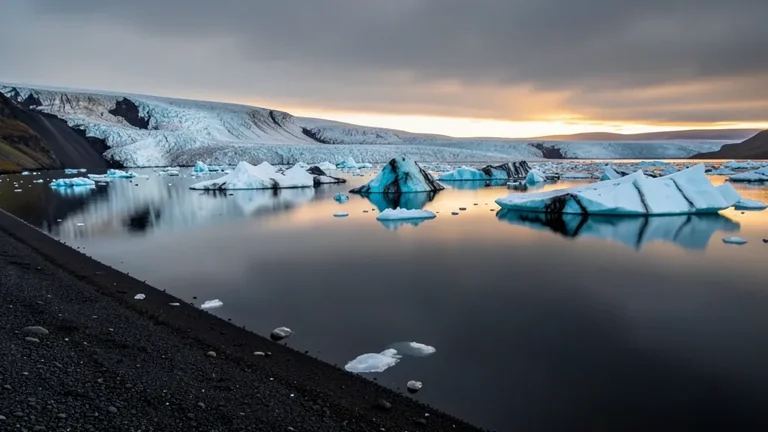
Icelandic Glacier Lagoon with Floating Icebergs
Flux
Minimalist Botanical Leaf Tee
Stable Diffusion
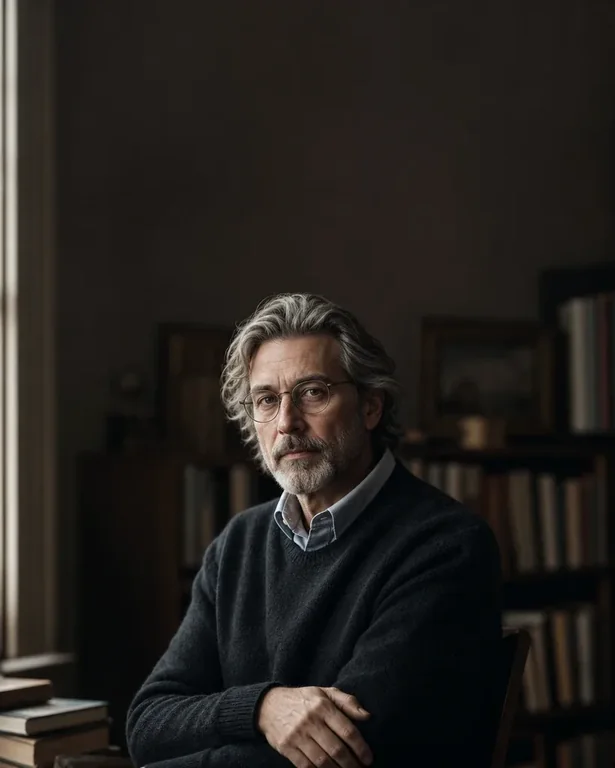
Author Book Jacket Portrait
Stable Diffusion
Abstract Fractal Voronoi Cellular Pattern
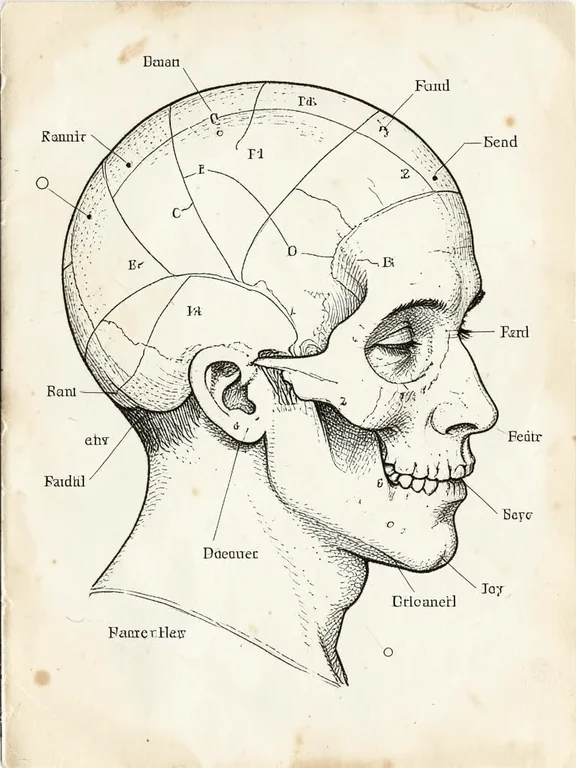
Stable Diffusion
Phrenology Head Diagram Vintage
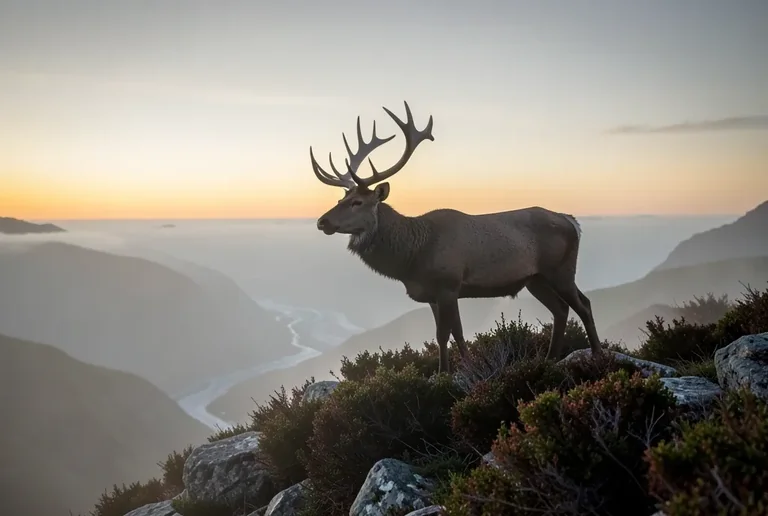
Stable Diffusion
Highland Stag on a Misty Ridge at Dawn
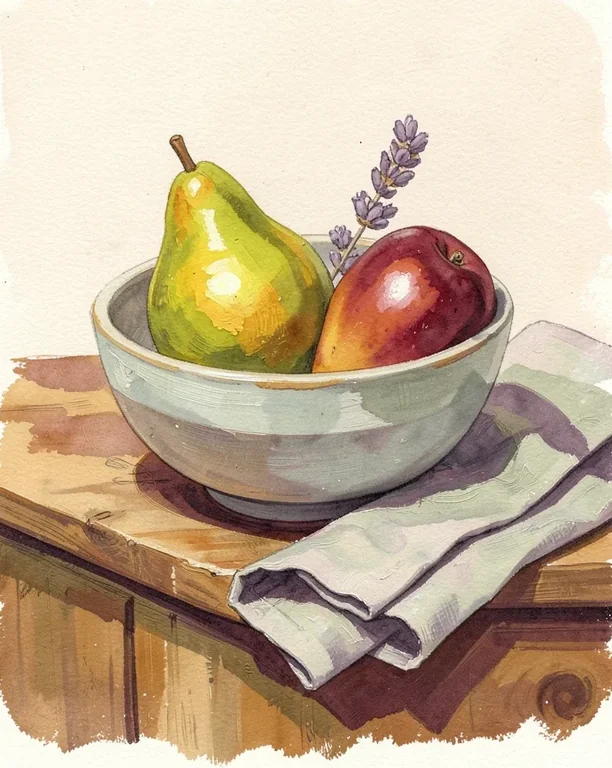
Stable Diffusion
Gouache Fruit Still Life Illustration
Questions
How is this different from the Image to Prompt tool?
Image to Prompt reads a picture you upload and describes what is in it. This one takes text you type and expands it into a fuller description. One goes from image to words, the other from words to more words.
Why does the result contain things I never wrote?
Because expanding the text is the whole job. Given “a dog”, the service will decide on a breed, an age, a setting, and a time of day, and write them in as though you had asked for them. That is useful when you have no opinion, and a problem when you do — so read the output rather than assuming it is your idea restated.
Does a longer input give a better prompt?
That hasn't been tested here. The tool is built for short input, and the examples above are deliberately brief. If a detail matters to you, writing it in is more reliable than hoping the expansion guesses it.
Is there a length limit?
The input box takes up to 1000 characters, which is a short paragraph. The output is much longer than the input, so there is no reason to write a lot to get a lot back.
Can I use the generated prompt as my own?
Yes — it is text, and you can copy it, edit it, and use it wherever you write prompts. Treat it as a draft rather than a finished description.
Want to write the description yourself? Here is how a prompt is built, step by step.