Stable Diffusion · SDXL 1.0
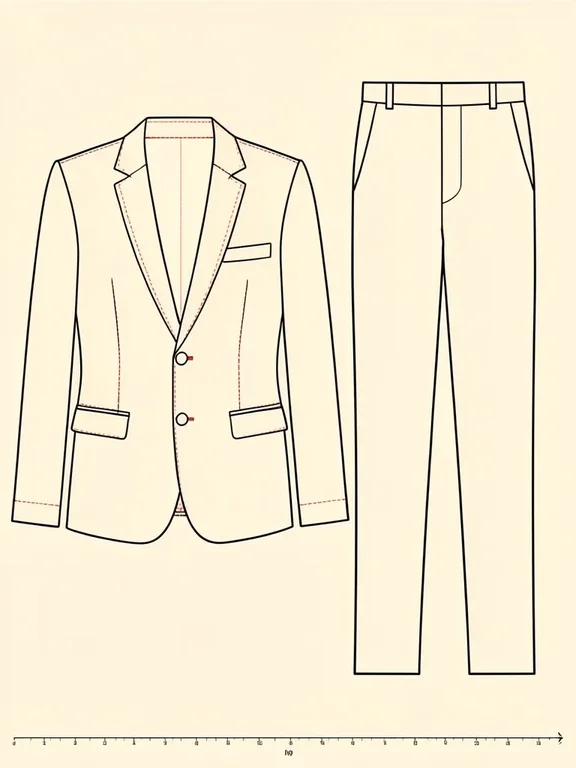
Technical Fashion Flat Sketch
Tested: 2026-08-09
3:4 · 576 × 768
The prompt
Prompt
A technical fashion flat sketch of a structured blazer drawn in a straight-on front view, clean black ink outline on warm off-white paper, visible seam lines and dart markings in fine dashed red, a centre front opening with three button placements marked as small circles, notches at the waist and armhole, a small ruler scale at the bottom edge, the blazer drawn to industry proportions with squared shoulders and a nipped waist, a cropped trouser flat sketch beside it in the same ink line weight, both garments flat and geometric with no shading, no model, no mannequin, no text, no labels, no logo, professional garment technical drawing styleNegative prompt
This entry was tested with a negative prompt as well. It goes in the separate negative field, not appended to the prompt above.
Negative prompt
text, watermark, logo, labels, 3D shading, gradient, photorealistic, mannequin, model, color fill, watercolor, brush texture, deformed proportions, crooked linesHow to use this prompt
- 1
Open the generator that matches the model and version above, and start a new image rather than editing an existing one.
- 2
Set the output to 3:4 and apply the settings shown in the parameters panel — together those produced the 576 × 768 image on this page.
- 3
Paste the prompt exactly as written. Changing the wording changes the image, so copy it before you edit.
- 4
Paste the negative prompt into the separate negative field; this entry was tested with one.
- 5
Generate, then change one thing at a time. The result will not be pixel-identical to the image on this page, because no seed is recorded for it.
Stable Diffusion exposes the sampler, step count, and CFG scale as separate settings, and this entry uses all three. If you are trying to reproduce this image, match the sampler name exactly and keep the step count and CFG as recorded — they are part of the recipe, not decoration.
Related prompts
More prompts from the same model, and prompts that share a use case with this one.
Stable Diffusion
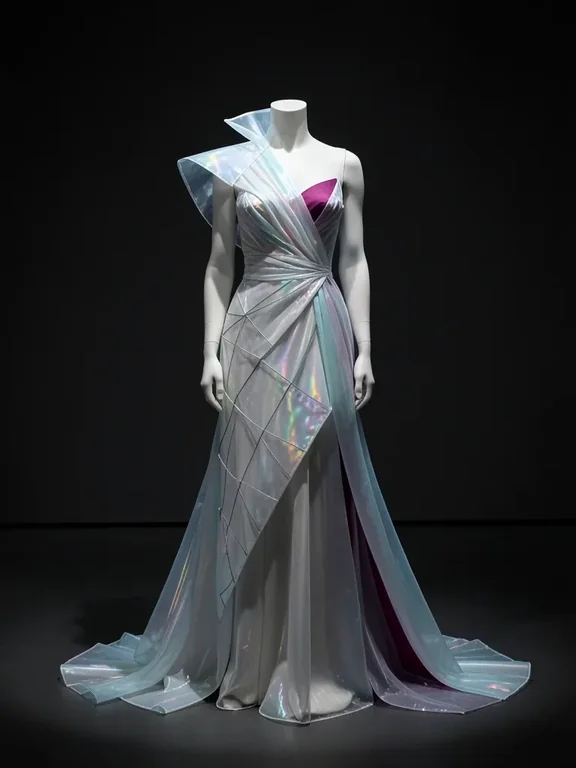
Avant-Garde Couture Gown — Sculptural Silhouette
Stable Diffusion
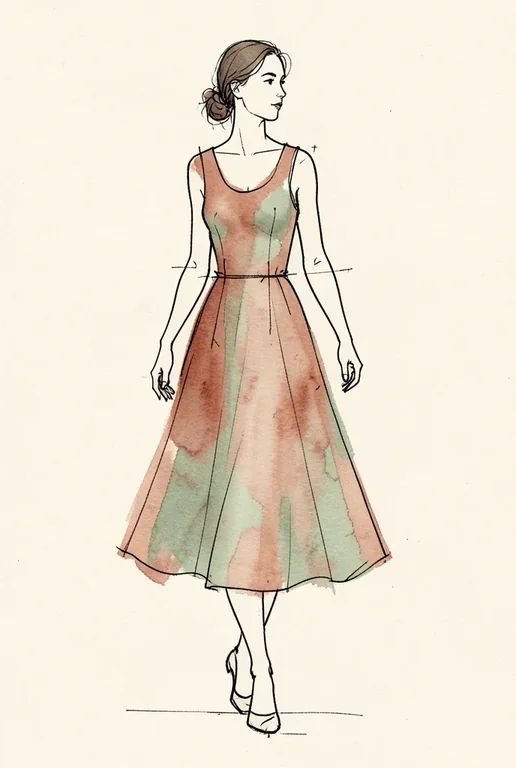
Fashion Croquis: Ink-Line Walking Figure
Stable Diffusion
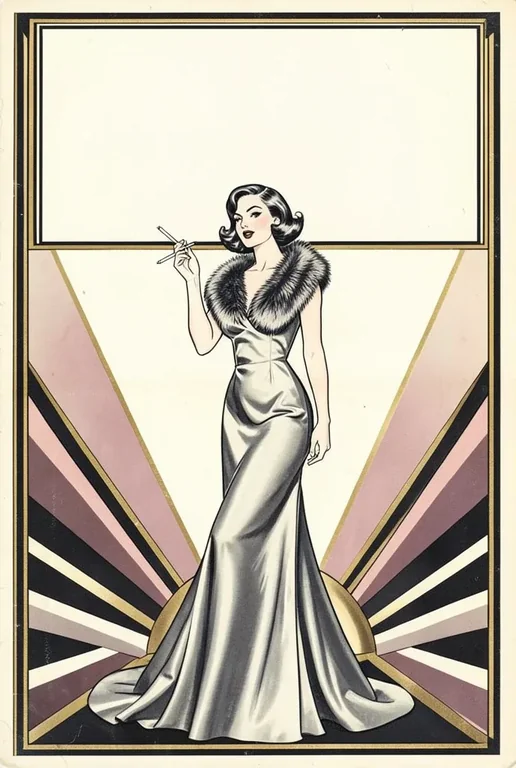
Vintage Vogue Fashion Cover — Art Deco Magazine
Stable Diffusion
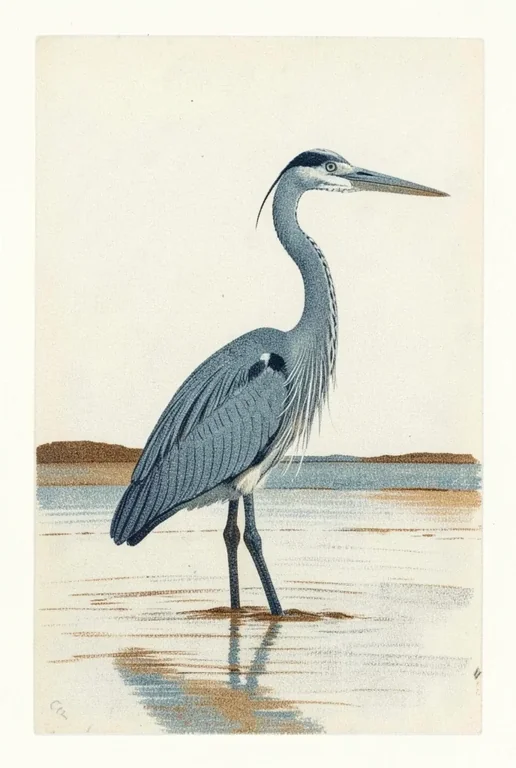
Aquatint Coastal Heron Print
Stable Diffusion
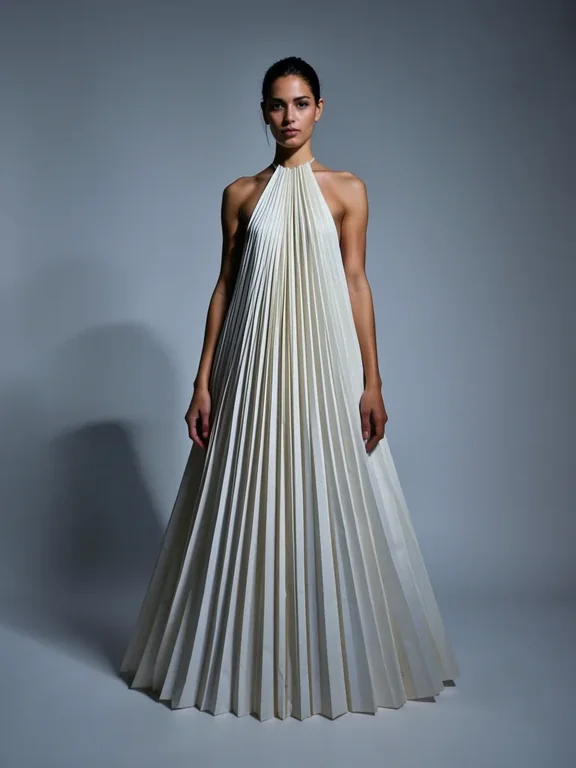
Avant-Garde Fashion: Sculptural Silhouette
Stable Diffusion
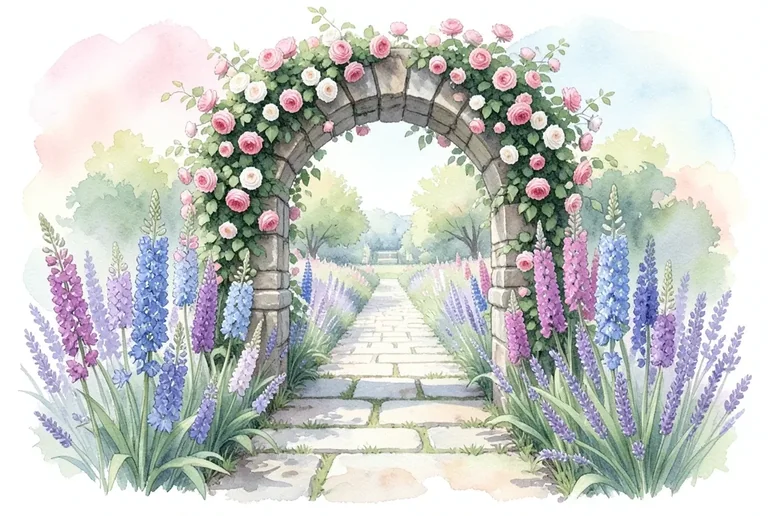
Botanical Garden Path Through Rose Archway