ChatGPT (DALL·E) · DALL·E 3
Recipe Step-by-Step Chart
Tested: 2026-08-08
3:2 · 768 × 516
The prompt
Prompt
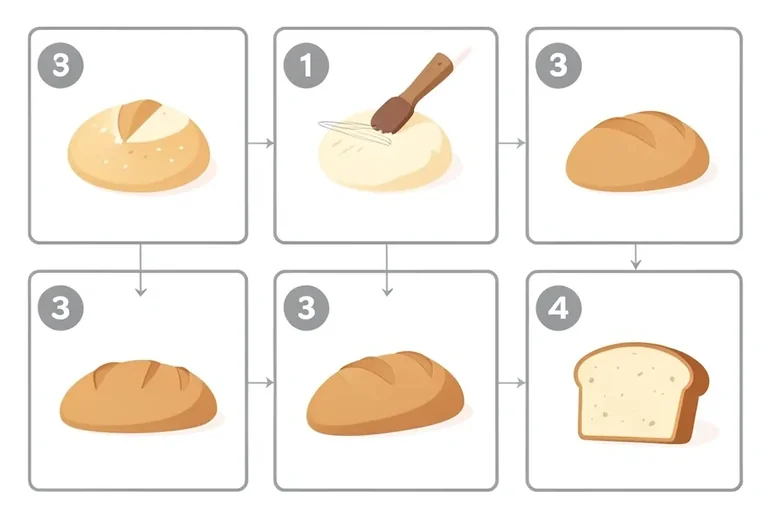
A recipe step-by-step chart, a clean instructional infographic showing six panels in a 3-by-2 grid, each panel showing a stage of bread-making — flour and yeast, kneading dough, first rise, shaping the loaf, second rise and baked bread — each panel a simple flat illustration with a thin grey border, a large step number placeholder in the top-left corner of each panel, thin connecting arrows between adjacent panels, flat vector art style with soft warm shading, palette of warm cream, golden brown and soft grey on a white background, no text, no letters, no numbersHow to use this prompt
- 1
Open the generator that matches the model and version above, and start a new image rather than editing an existing one.
- 2
Set the output to 3:2. That is the only output setting recorded for this entry, and it is what produced the 768 × 516 image on this page.
- 3
Paste the prompt exactly as written. Changing the wording changes the image, so copy it before you edit.
- 4
Generate, then change one thing at a time. The result will not be pixel-identical to the image on this page, because no seed is recorded for it.
Only an aspect ratio is recorded for this entry. GPT Image and DALL·E do not expose a sampler, step count, or CFG value in the interface this was tested in, so there are no numbers to match — the prompt text and the aspect ratio are the whole instruction. Resize by describing the framing in words rather than reaching for a parameter.
Related prompts
More prompts from the same model, and prompts that share a use case with this one.