Stable Diffusion · SDXL 1.0
Nautical Knot Diagram
Tested: 2026-08-09
1:1 · 768 × 768
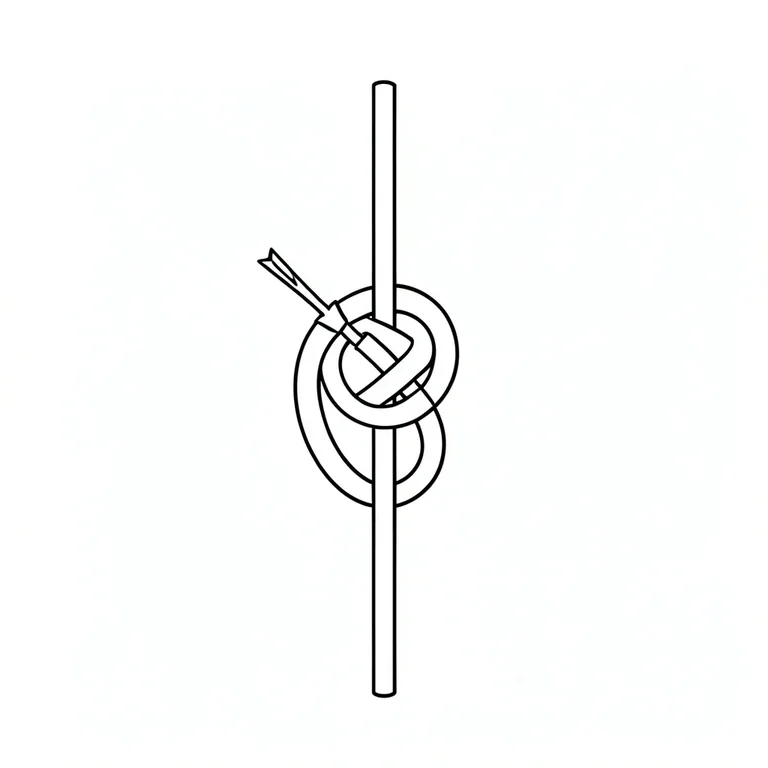
The prompt
Prompt
A clean line drawing of a bowline knot diagram on plain white paper, thin even black ink showing the standing part, the working end looped around the standing part and through the eye, the rope crossing points rendered as gaps to indicate over-and-under, a small arrow at the working end, precise rigging manual style, no shading, no color fill, no gradients, no rope texture, generous white margin, no text, no letters, no labelsNegative prompt
This entry was tested with a negative prompt as well. It goes in the separate negative field, not appended to the prompt above.
Negative prompt
shading, color fill, gradients, rope texture, 3d, photorealistic, text, words, watermark, signature, blurry, frayed ropeHow to use this prompt
- 1
Open the generator that matches the model and version above, and start a new image rather than editing an existing one.
- 2
Set the output to 1:1 and apply the settings shown in the parameters panel — together those produced the 768 × 768 image on this page.
- 3
Paste the prompt exactly as written. Changing the wording changes the image, so copy it before you edit.
- 4
Paste the negative prompt into the separate negative field; this entry was tested with one.
- 5
Generate, then change one thing at a time. The result will not be pixel-identical to the image on this page, because no seed is recorded for it.
Stable Diffusion exposes the sampler, step count, and CFG scale as separate settings, and this entry uses all three. If you are trying to reproduce this image, match the sampler name exactly and keep the step count and CFG as recorded — they are part of the recipe, not decoration.
Related prompts
More prompts from the same model, and prompts that share a use case with this one.
Stable Diffusion
Aquatint Coastal Heron Print
Stable Diffusion
Botanical Garden Path Through Rose Archway
Stable Diffusion
Flat-Design Woodland Walk with Stylized Trees
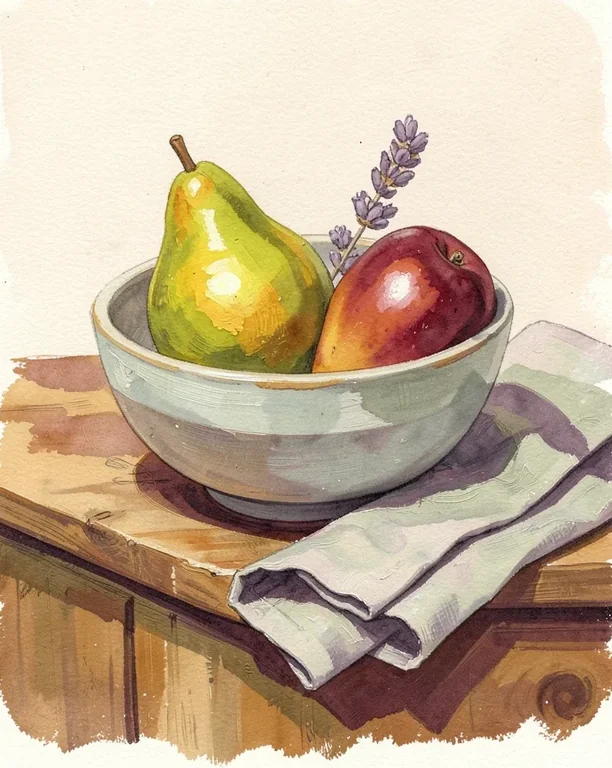
Stable Diffusion
Gouache Fruit Still Life Illustration
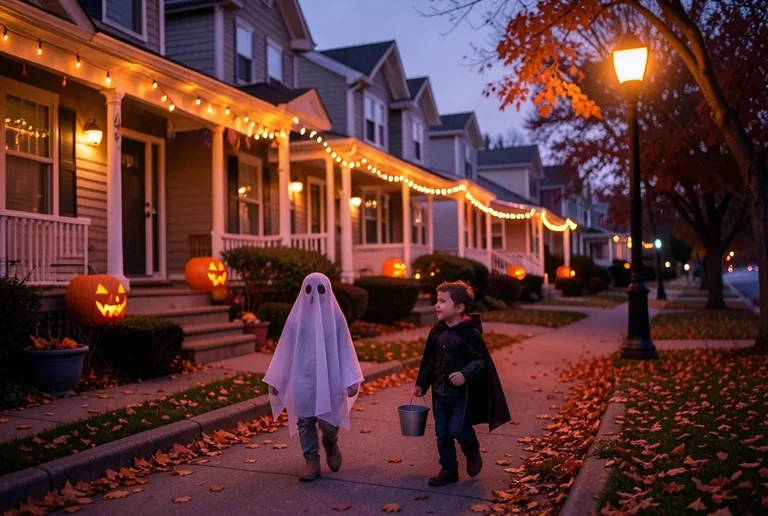
Stable Diffusion
Halloween Trick-or-Treat Scene
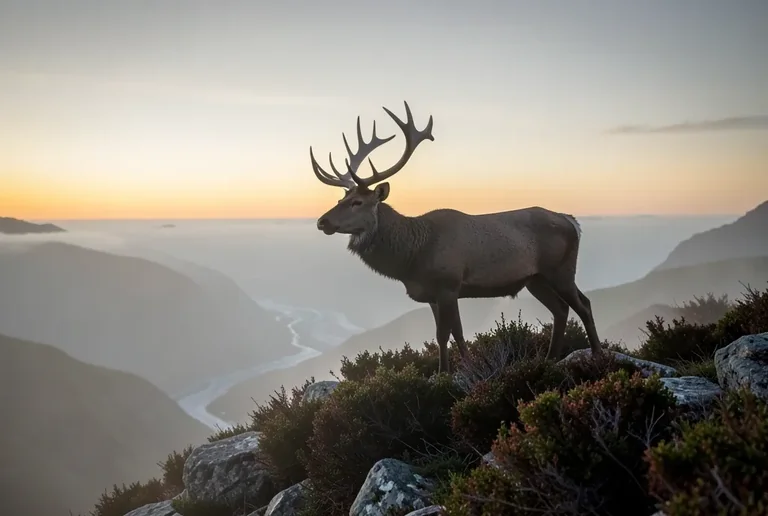
Stable Diffusion
Highland Stag on a Misty Ridge at Dawn