Midjourney · v7
Japanese Koi Sleeve Tattoo
Tested: 2026-08-07
3:4 · 576 × 768
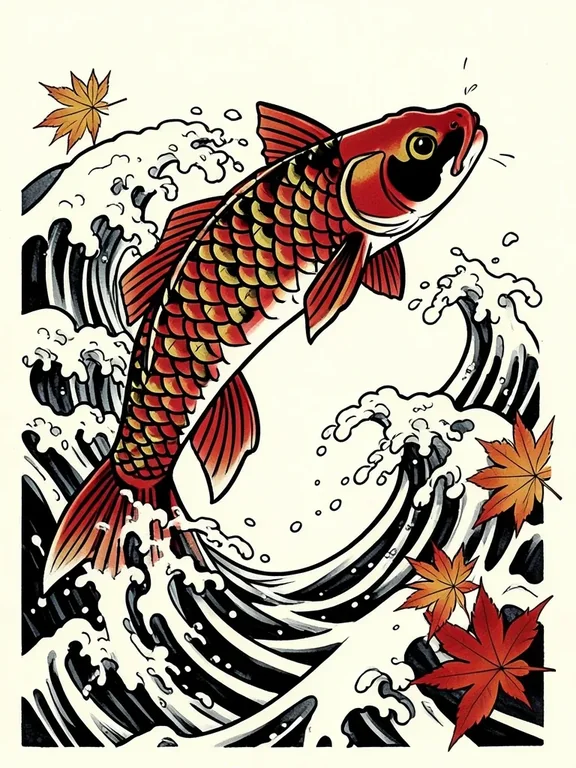
The prompt
Prompt
A traditional Japanese irezumi tattoo design of a koi fish swimming upward through churning water and cascading waves, body curved in a dynamic S-shape, scales rendered as bold black outlines with selective red and gold flat fills, wave patterns in the Hokusai style framing the fish, maple leaves drifting in the current, pure black linework with limited colour, no skin, no photograph, no text, clean flash sheet presentation on cream paper --ar 3:4 --stylize 200How to use this prompt
- 1
Open the generator that matches the model and version above, and start a new image rather than editing an existing one.
- 2
Set the output to 3:4 and apply the settings shown in the parameters panel — together those produced the 576 × 768 image on this page.
- 3
Paste the prompt exactly as written. Changing the wording changes the image, so copy it before you edit.
- 4
Generate, then change one thing at a time. The result will not be pixel-identical to the image on this page, because no seed is recorded for it.
Midjourney takes the aspect ratio as a parameter appended to the prompt rather than as a separate control, written as --ar 3:4, and --stylize followed by a number controls how far the model pushes its own aesthetic. Append both to the end of the prompt text instead of looking for fields for them.
Related prompts
More prompts from the same model, and prompts that share a use case with this one.
Midjourney
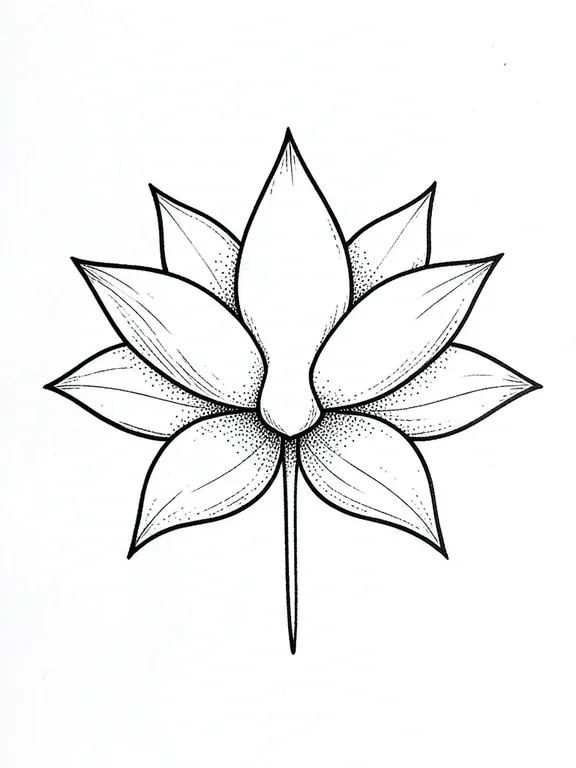
Lotus Flower Sternum Tattoo
Midjourney
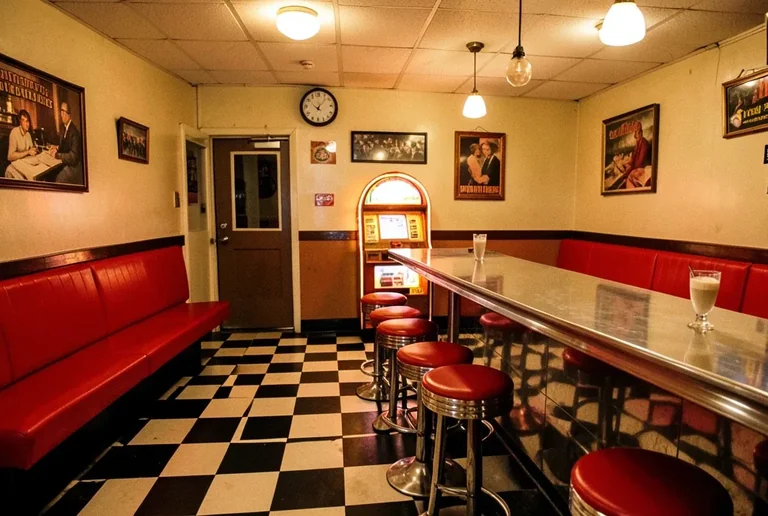
1950s Diner Interior with Jukebox and Checkered Floor
Midjourney
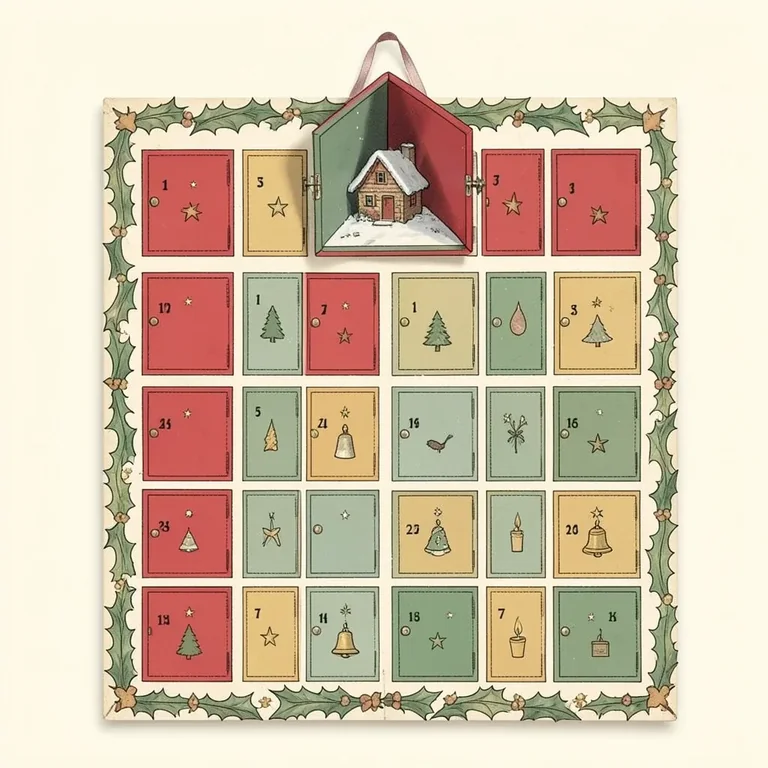
Advent Calendar Illustration with Numbered Doors
Midjourney
Alert Red Fox in a Snowy Pine Clearing
Midjourney
Art Deco Travel Poster Illustration
Midjourney
Artisan Olive Oil Pour with Bread Dip Still Life