Midjourney · v7
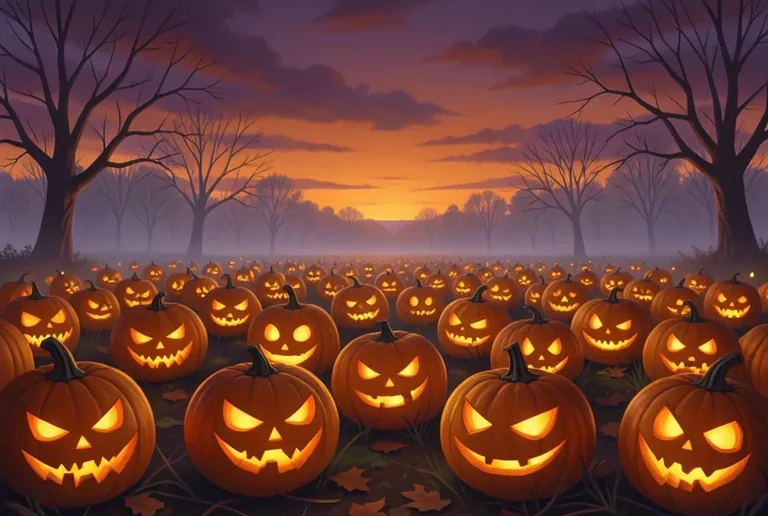
Jack-o-Lantern Pumpkin Patch
Tested: 2026-08-08
3:2 · 768 × 516
The prompt
Prompt
A jack-o-lantern pumpkin patch at dusk, a sprawling field of carved pumpkins with glowing faces, each jack-o-lantern a different expression — a grin, a scowl, a surprised face, a jagged-tooth smile — warm candlelight spilling from the carved openings, a misty autumn field background with bare tree silhouettes, a deep orange sunset sky with purple clouds, palette of pumpkin orange, warm candlelight amber, twilight purple and charcoal, painterly digital art style, no text, no letters --ar 3:2 --stylize 200How to use this prompt
- 1
Open the generator that matches the model and version above, and start a new image rather than editing an existing one.
- 2
Set the output to 3:2 and apply the settings shown in the parameters panel — together those produced the 768 × 516 image on this page.
- 3
Paste the prompt exactly as written. Changing the wording changes the image, so copy it before you edit.
- 4
Generate, then change one thing at a time. The result will not be pixel-identical to the image on this page, because no seed is recorded for it.
Midjourney takes the aspect ratio as a parameter appended to the prompt rather than as a separate control, written as --ar 3:2, and --stylize followed by a number controls how far the model pushes its own aesthetic. Append both to the end of the prompt text instead of looking for fields for them.
Related prompts
More prompts from the same model, and prompts that share a use case with this one.
Midjourney
1950s Diner Interior with Jukebox and Checkered Floor
Midjourney
Alert Red Fox in a Snowy Pine Clearing
Midjourney
Art Deco Travel Poster Illustration
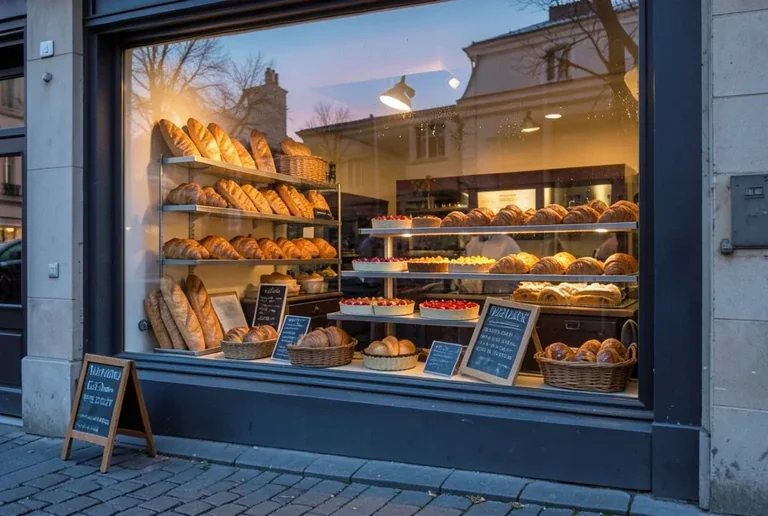
Midjourney
Bakery Window Display at Dawn
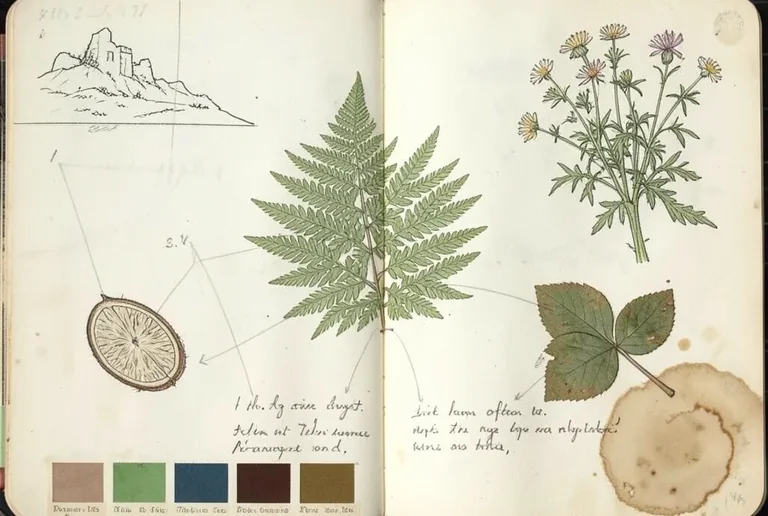
Midjourney
Botanical Journal Sketchbook Page with Fern Studies
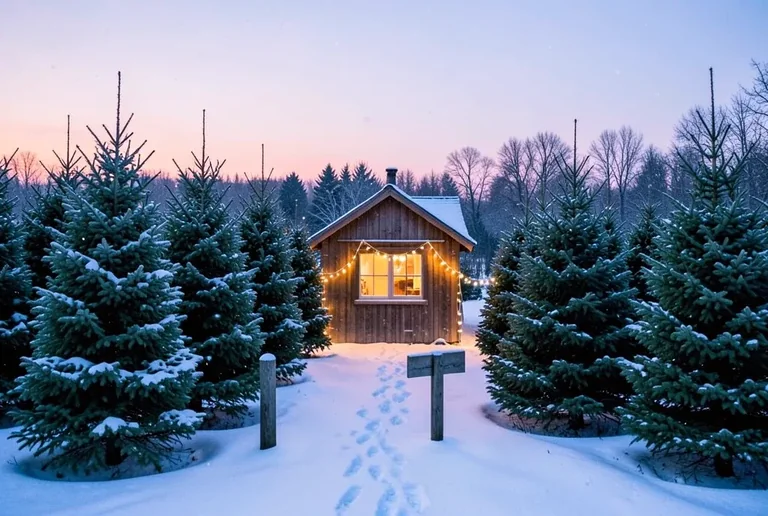
Midjourney
Christmas Tree Farm in a Snowy Field at Dusk