Flux · Flux.1 dev
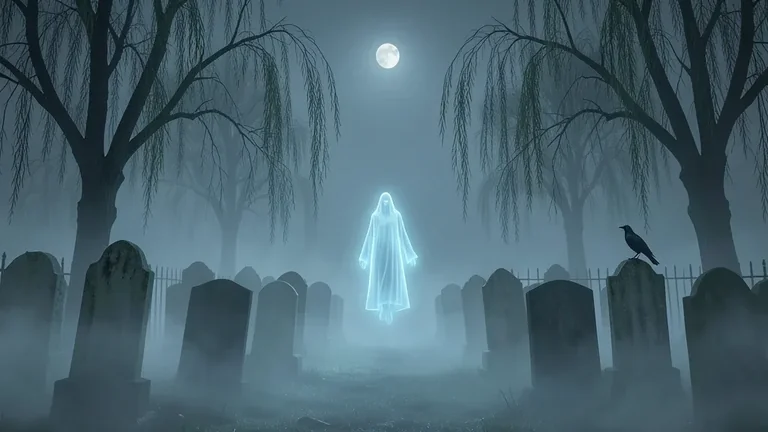
Ghostly Foggy Graveyard
Tested: 2026-08-08
16:9 · 768 × 432
The prompt
Prompt
A ghostly foggy graveyard at midnight, rows of weathered headstones tilting at different angles, a single translucent ghost figure floating between the graves with a soft blue glow, bare willow trees with drooping branches, thick ground fog obscuring the lower halves of the tombstones, a faint full moon high in the sky, a low iron fence in the background, a single raven perched on a headstone, palette of cold blue-grey, pale cyan, charcoal and moonlight white, atmospheric horror aesthetic, no text, no lettersHow to use this prompt
- 1
Open the generator that matches the model and version above, and start a new image rather than editing an existing one.
- 2
Set the output to 16:9 and apply the settings shown in the parameters panel — together those produced the 768 × 432 image on this page.
- 3
Paste the prompt exactly as written. Changing the wording changes the image, so copy it before you edit.
- 4
Generate, then change one thing at a time. The result will not be pixel-identical to the image on this page, because no seed is recorded for it.
Step count and CFG scale are recorded for this entry and belong to the sampler settings of whatever interface you run Flux in. No sampler name is recorded for Flux entries in this library, so there is nothing to match there.
Related prompts
More prompts from the same model, and prompts that share a use case with this one.