Midjourney · v7
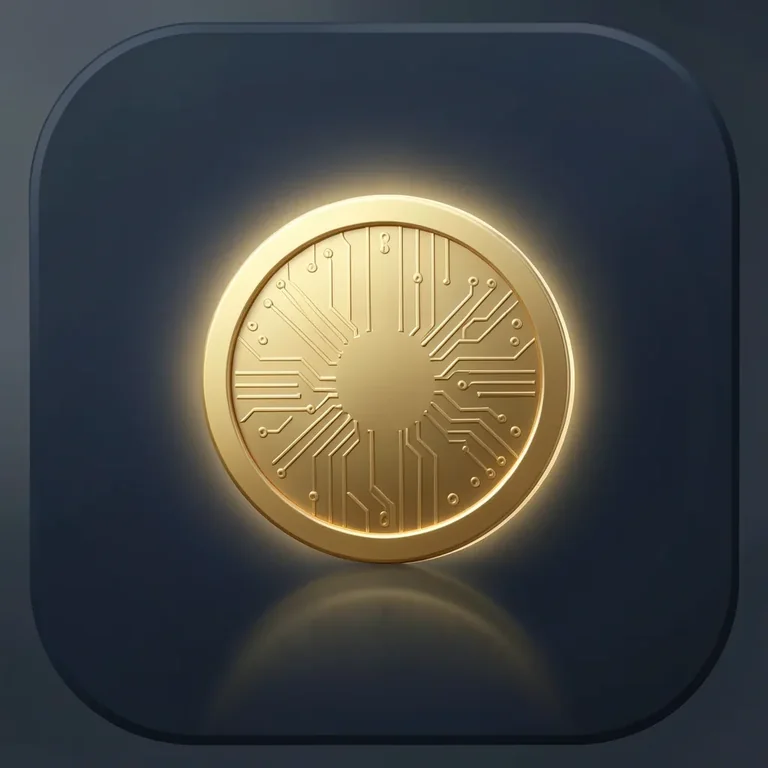
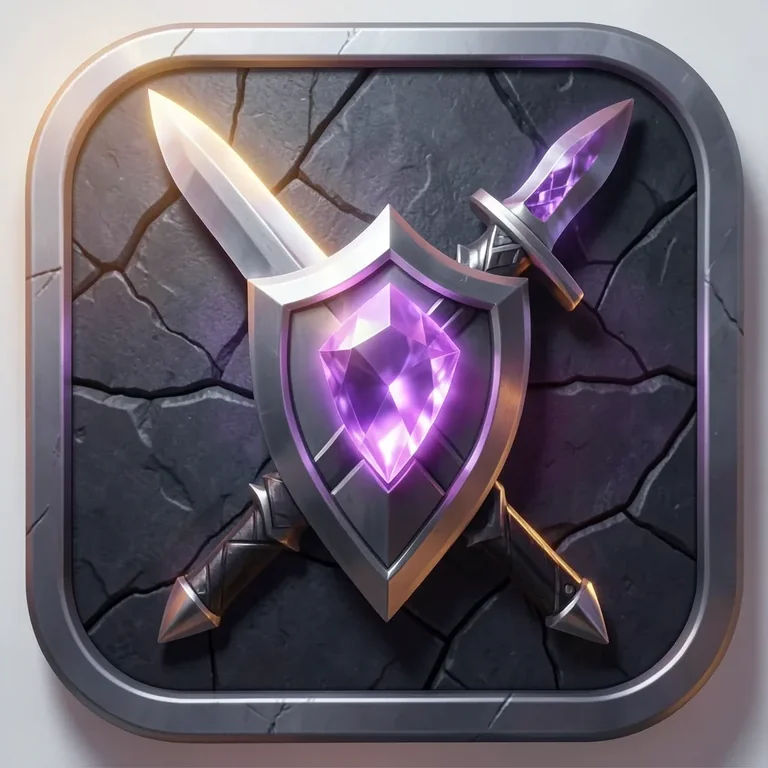
Gaming App Icon
Tested: 2026-08-07
1:1 · 768 × 768
The prompt
Prompt
A gaming app icon, a rounded-square icon for a mobile game, a stylized fantasy sword and shield crossed at the center, a glowing purple gemstone set in the shield boss, a dark stone-texture background with subtle crack details, rim lighting from the upper-left catching the blade edge, 3D rendered style with polished metallic surfaces, palette of steel grey, purple and warm amber light, centered composition with padding from the icon border, no text, no letters --ar 1:1 --stylize 250How to use this prompt
- 1
Open the generator that matches the model and version above, and start a new image rather than editing an existing one.
- 2
Set the output to 1:1 and apply the settings shown in the parameters panel — together those produced the 768 × 768 image on this page.
- 3
Paste the prompt exactly as written. Changing the wording changes the image, so copy it before you edit.
- 4
Generate, then change one thing at a time. The result will not be pixel-identical to the image on this page, because no seed is recorded for it.
Midjourney takes the aspect ratio as a parameter appended to the prompt rather than as a separate control, written as --ar 1:1, and --stylize followed by a number controls how far the model pushes its own aesthetic. Append both to the end of the prompt text instead of looking for fields for them.
Related prompts
More prompts from the same model, and prompts that share a use case with this one.