ChatGPT (DALL·E) · GPT Image 2 (ChatGPT)
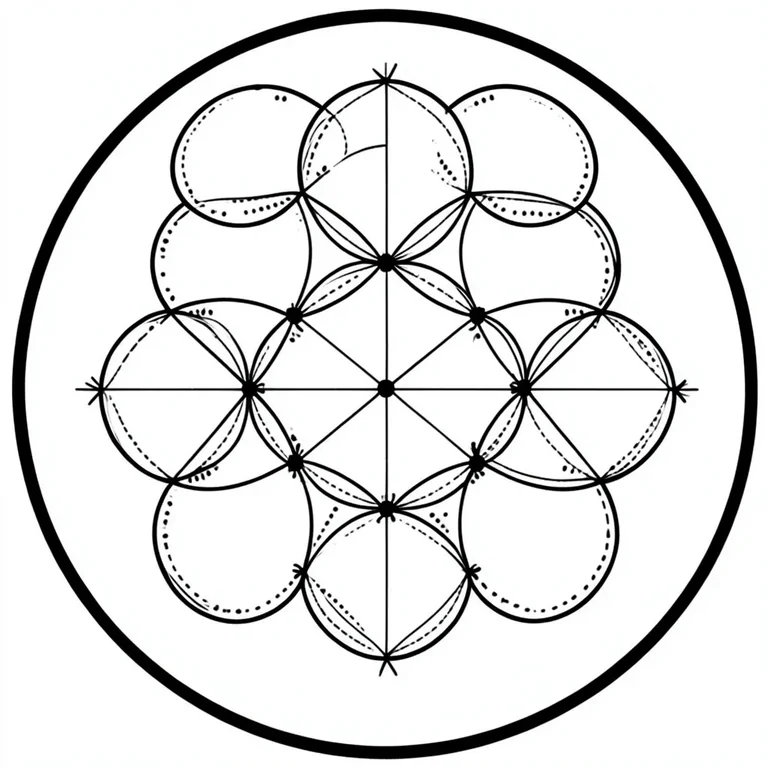
Flower of Life Sacred Geometry Tattoo
Tested: 2026-08-07
1:1 · 768 × 768
The prompt
Prompt
A flower of life sacred geometry tattoo design, nineteen overlapping circles arranged in perfect hexagonal symmetry, each circle drawn in crisp uniform black linework, small dotwork accents at each intersection point, a thin outer border circle framing the composition, pure black on white paper, no shading, no colour, no fill inside the circles, no skin, no photograph, no text, no watermarkHow to use this prompt
- 1
Open the generator that matches the model and version above, and start a new image rather than editing an existing one.
- 2
Set the output to 1:1. That is the only output setting recorded for this entry, and it is what produced the 768 × 768 image on this page.
- 3
Paste the prompt exactly as written. Changing the wording changes the image, so copy it before you edit.
- 4
Generate, then change one thing at a time. The result will not be pixel-identical to the image on this page, because no seed is recorded for it.
Only an aspect ratio is recorded for this entry. GPT Image and DALL·E do not expose a sampler, step count, or CFG value in the interface this was tested in, so there are no numbers to match — the prompt text and the aspect ratio are the whole instruction. Resize by describing the framing in words rather than reaching for a parameter.
Related prompts
More prompts from the same model, and prompts that share a use case with this one.
ChatGPT (DALL·E)
Elephant Mandala Coloring Page
ChatGPT (DALL·E)
Fractal Mandala Kaleidoscope Pattern
ChatGPT (DALL·E)
Geometric Deer Skull Tattoo
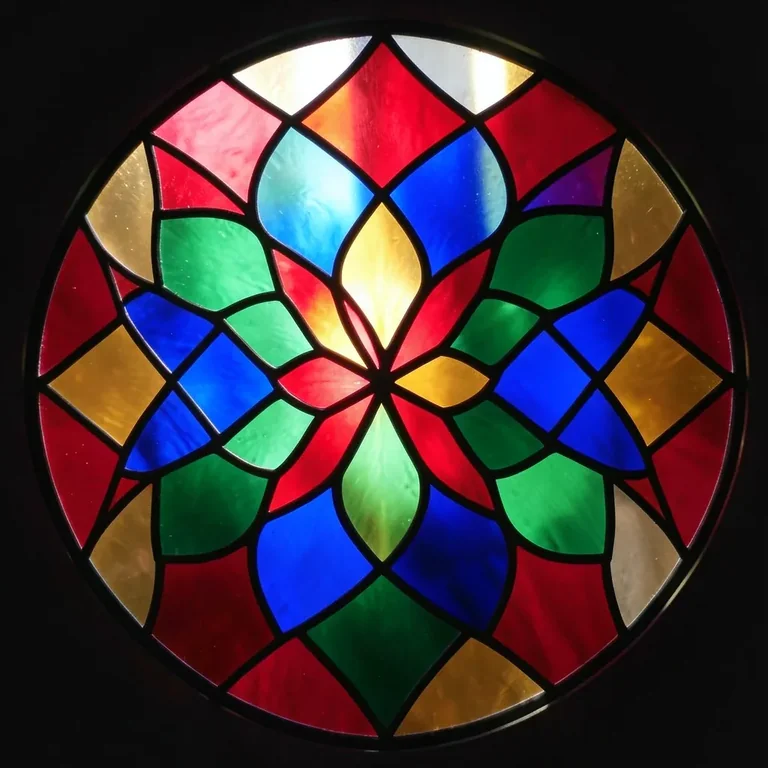
ChatGPT (DALL·E)
Stained Glass Mandala Radial Design
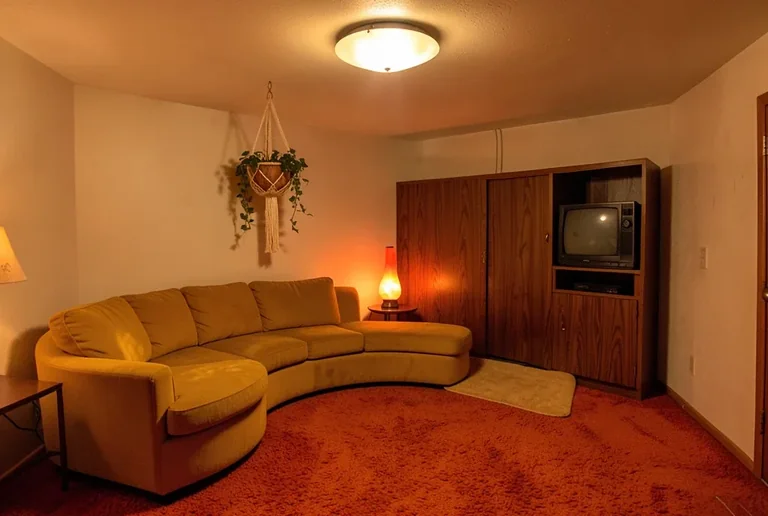
ChatGPT (DALL·E)
1970s Rumpus Room with Shag Carpet and Lava Lamp
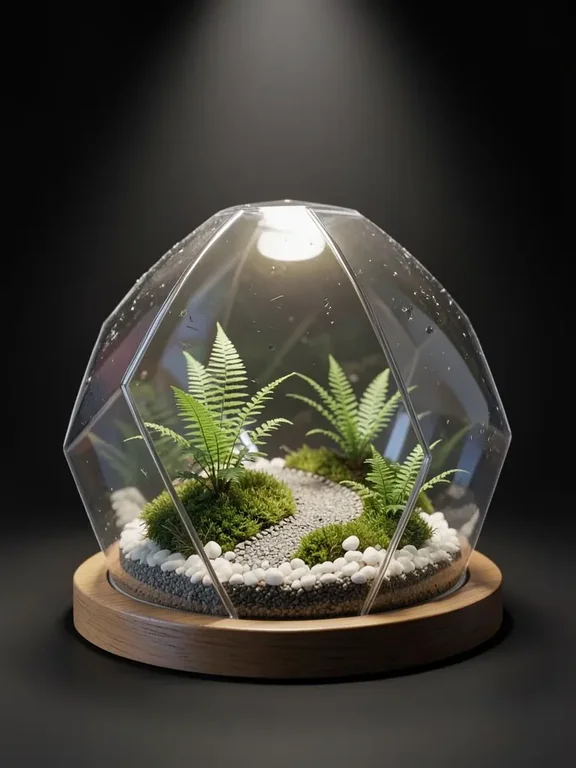
ChatGPT (DALL·E)
3D Render Glass Terrarium Biosphere