Midjourney · v7
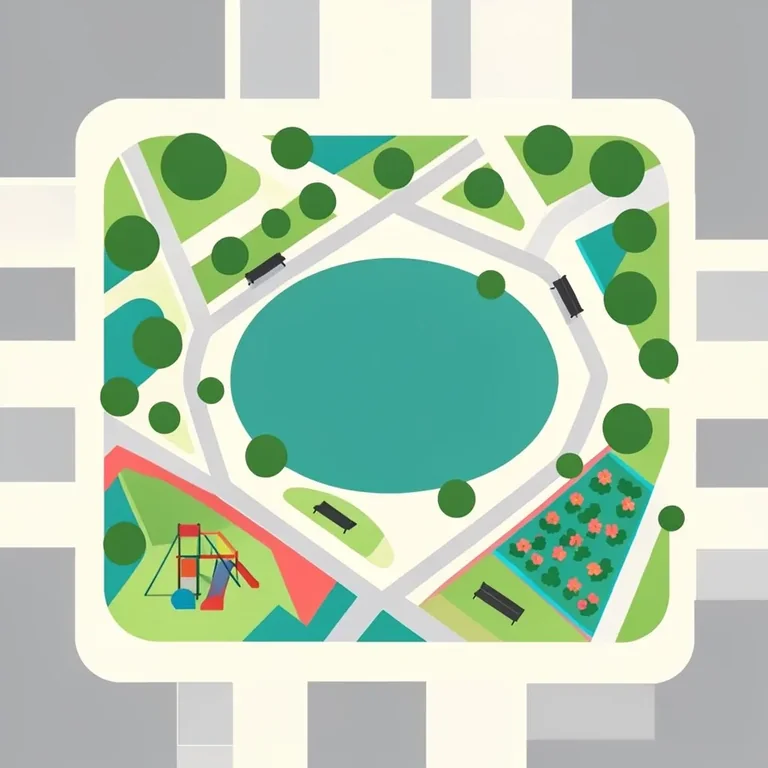
Flat-Design City Park Aerial View
Tested: 2026-08-08
1:1 · 768 × 768
The prompt
Prompt
A flat-design aerial view of a city park, geometric paths as straight and curving lines in light grey, a pond as a flat teal oval, trees as flat green circles of varying sizes, benches as small dark rectangles, a playground as geometric shapes in primary colours, flower beds as flat coloured bands, surrounding buildings as flat grey blocks at the edges, no gradients no shadows no perspective, palette of green teal grey and primary colours on a cream background, clean vector shapes, flat map illustration style, no people, no text, no letters, no watermark --ar 1:1 --stylize 250How to use this prompt
- 1
Open the generator that matches the model and version above, and start a new image rather than editing an existing one.
- 2
Set the output to 1:1 and apply the settings shown in the parameters panel — together those produced the 768 × 768 image on this page.
- 3
Paste the prompt exactly as written. Changing the wording changes the image, so copy it before you edit.
- 4
Generate, then change one thing at a time. The result will not be pixel-identical to the image on this page, because no seed is recorded for it.
Midjourney takes the aspect ratio as a parameter appended to the prompt rather than as a separate control, written as --ar 1:1, and --stylize followed by a number controls how far the model pushes its own aesthetic. Append both to the end of the prompt text instead of looking for fields for them.
Related prompts
More prompts from the same model, and prompts that share a use case with this one.
Midjourney
1950s Diner Interior with Jukebox and Checkered Floor
Midjourney
Advent Calendar Illustration with Numbered Doors
Midjourney
Alert Red Fox in a Snowy Pine Clearing
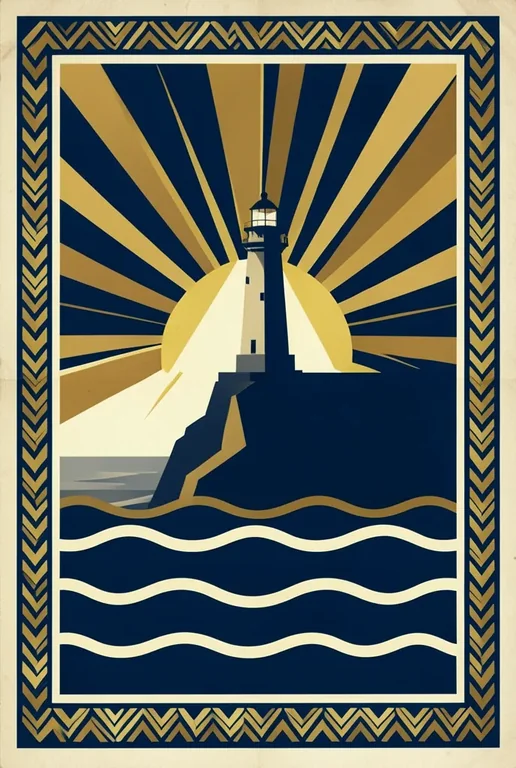
Midjourney
Art Deco Travel Poster Illustration

Midjourney
Artisan Olive Oil Pour with Bread Dip Still Life
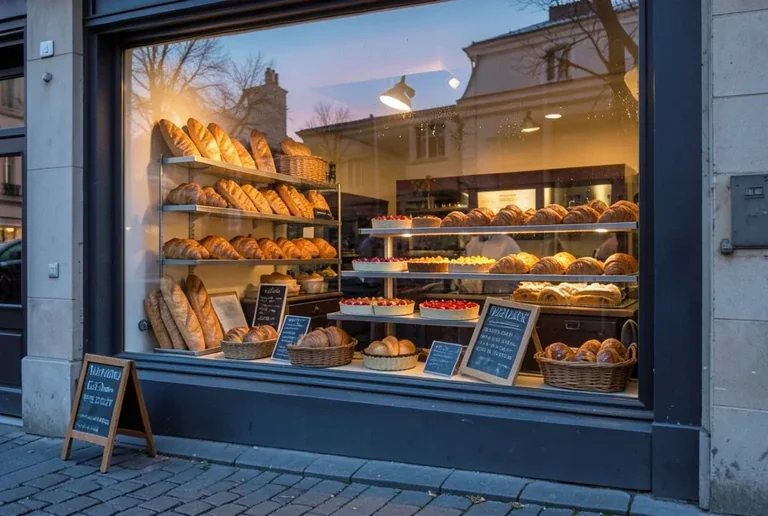
Midjourney
Bakery Window Display at Dawn