ChatGPT (DALL·E) · GPT Image 2 (ChatGPT)
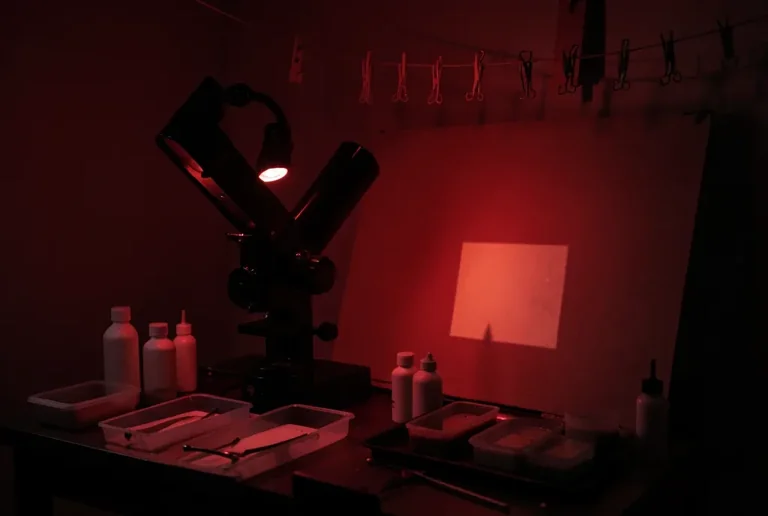
Darkroom Enlarger Under Safelight
Tested: 2026-08-01
3:2 · 768 × 516
The prompt
Prompt
A black-and-white photo darkroom lit only by a deep red safelight, a condenser enlarger projecting a faint rectangle onto an easel below, trays of developer and stop bath on a bench with blank white bottles, tongs resting on a tray edge, clothesline with empty drying clips above, red light bathing the room so blacks go warm-dark, no negatives with readable frames, no text on bottles, no wall chartsHow to use this prompt
- 1
Open the generator that matches the model and version above, and start a new image rather than editing an existing one.
- 2
Set the output to 3:2. That is the only output setting recorded for this entry, and it is what produced the 768 × 516 image on this page.
- 3
Paste the prompt exactly as written. Changing the wording changes the image, so copy it before you edit.
- 4
Generate, then change one thing at a time. The result will not be pixel-identical to the image on this page, because no seed is recorded for it.
Only an aspect ratio is recorded for this entry. GPT Image and DALL·E do not expose a sampler, step count, or CFG value in the interface this was tested in, so there are no numbers to match — the prompt text and the aspect ratio are the whole instruction. Resize by describing the framing in words rather than reaching for a parameter.
Related prompts
More prompts from the same model, and prompts that share a use case with this one.
ChatGPT (DALL·E)
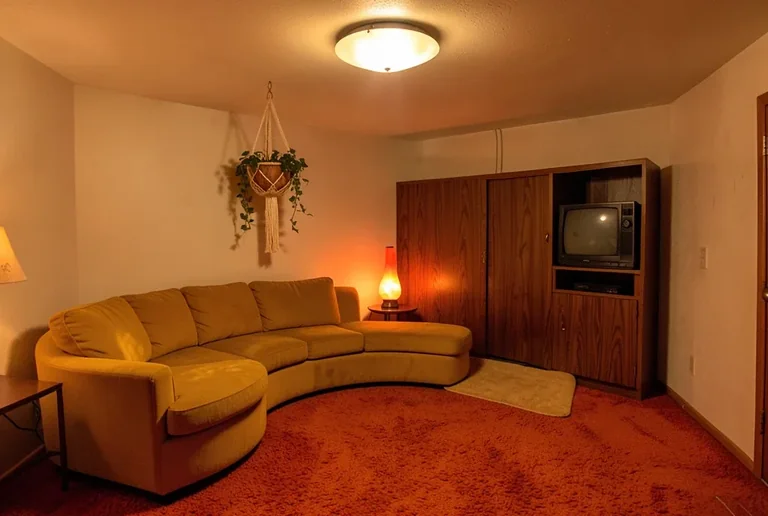
1970s Rumpus Room with Shag Carpet and Lava Lamp
ChatGPT (DALL·E)
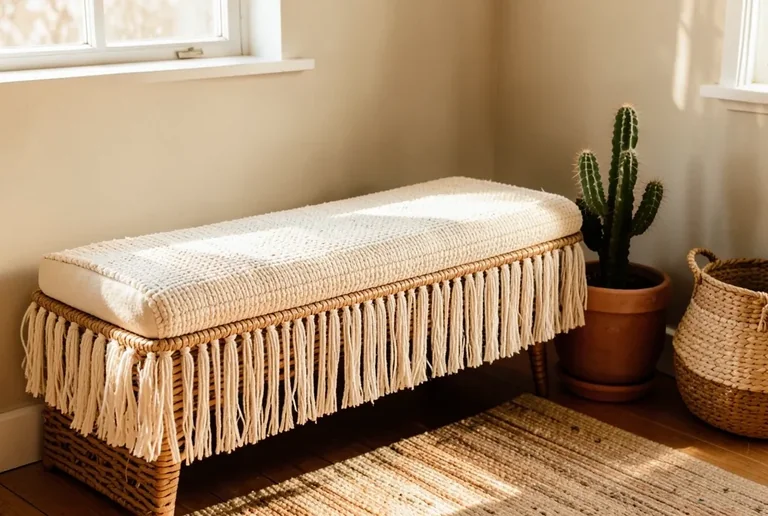
Boho Woven Bench Cushion
ChatGPT (DALL·E)
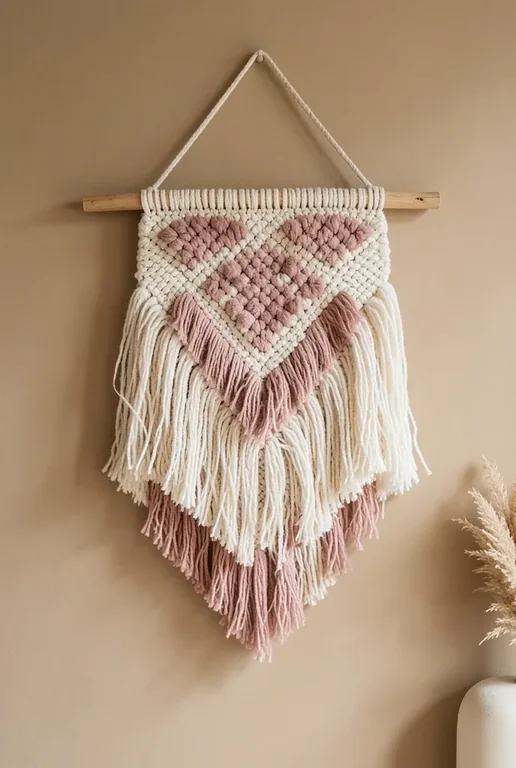
Boho Woven Wall Hanging
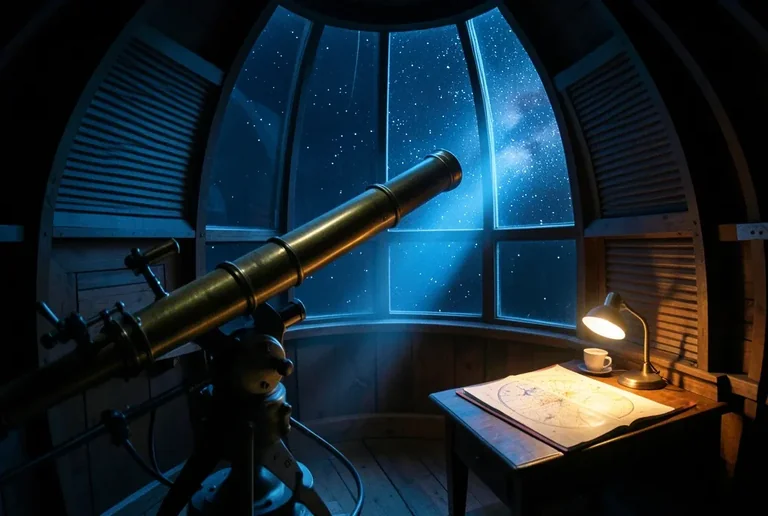
ChatGPT (DALL·E)
Cinematic Observatory Dome Interior at Night
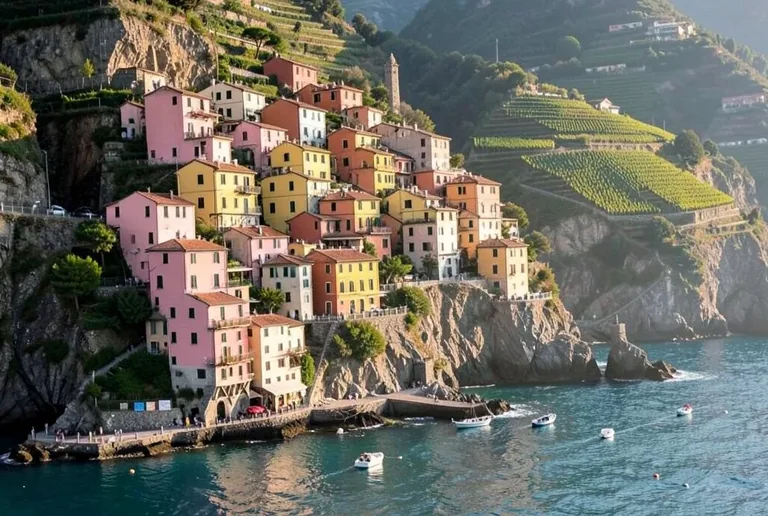
ChatGPT (DALL·E)
Cinque Terre Pastel Houses on a Cliffside
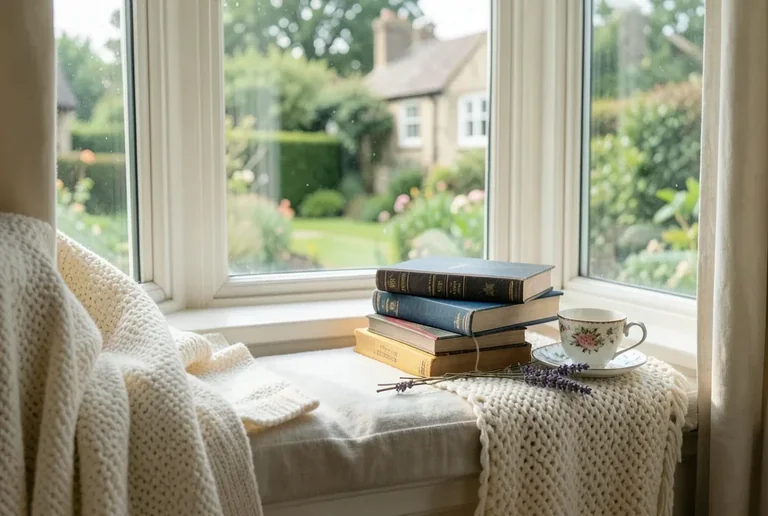
ChatGPT (DALL·E)
Cottagecore Reading Nook Window Tea Blanket