Midjourney · v7
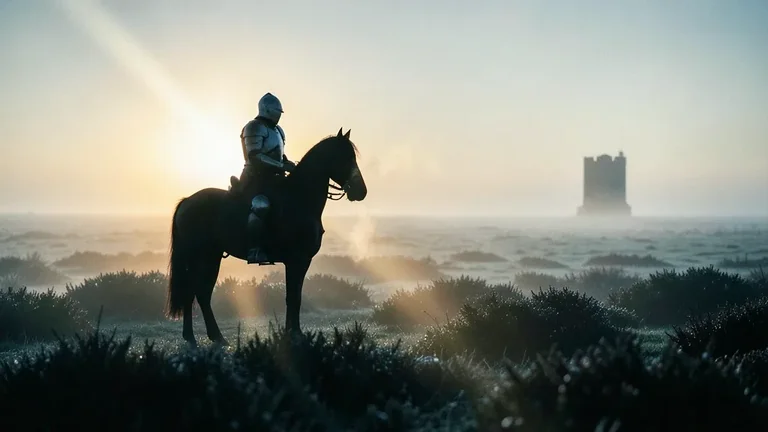
Cinematic Medieval Knight on a Misty Moor
Tested: 2026-08-08
16:9 · 768 × 432
The prompt
Prompt
A cinematic film still, a lone armoured knight on horseback standing still on a vast misty moor at dawn, low warm sun backlit behind a thin ground fog so the knight is a dark rim-lit silhouette against the glowing fog, long volumetric light beams cutting diagonally across the moor, a single distant stone tower receding into the mist, the horse's breath a small plume in the cold air, anamorphic 2.39:1 widescreen, 35mm lens, shallow depth of field on the foreground heather, desaturated cool grade with one warm rim on the knight's shoulder and helmet, no text, no letters, no watermark --ar 16:9 --stylize 250How to use this prompt
- 1
Open the generator that matches the model and version above, and start a new image rather than editing an existing one.
- 2
Set the output to 16:9 and apply the settings shown in the parameters panel — together those produced the 768 × 432 image on this page.
- 3
Paste the prompt exactly as written. Changing the wording changes the image, so copy it before you edit.
- 4
Generate, then change one thing at a time. The result will not be pixel-identical to the image on this page, because no seed is recorded for it.
Midjourney takes the aspect ratio as a parameter appended to the prompt rather than as a separate control, written as --ar 16:9, and --stylize followed by a number controls how far the model pushes its own aesthetic. Append both to the end of the prompt text instead of looking for fields for them.
Related prompts
More prompts from the same model, and prompts that share a use case with this one.
Midjourney
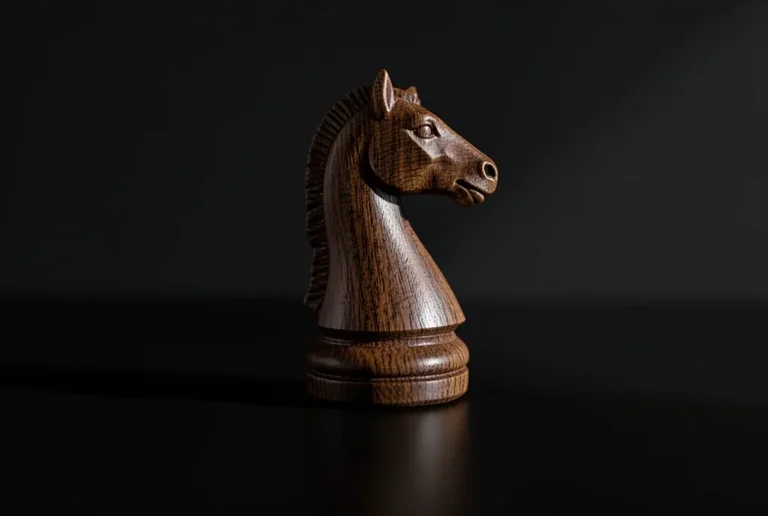
3D Render Chess Knight Piece Close-Up
Midjourney
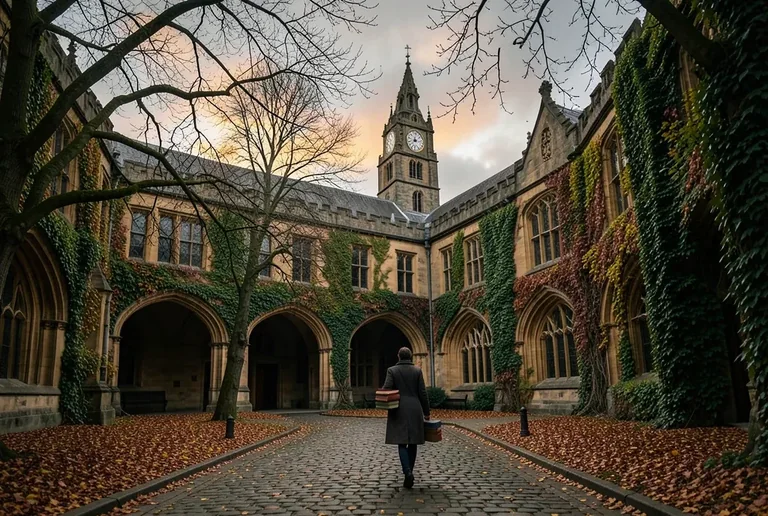
Dark Academia Autumn University Quadrangle
Midjourney
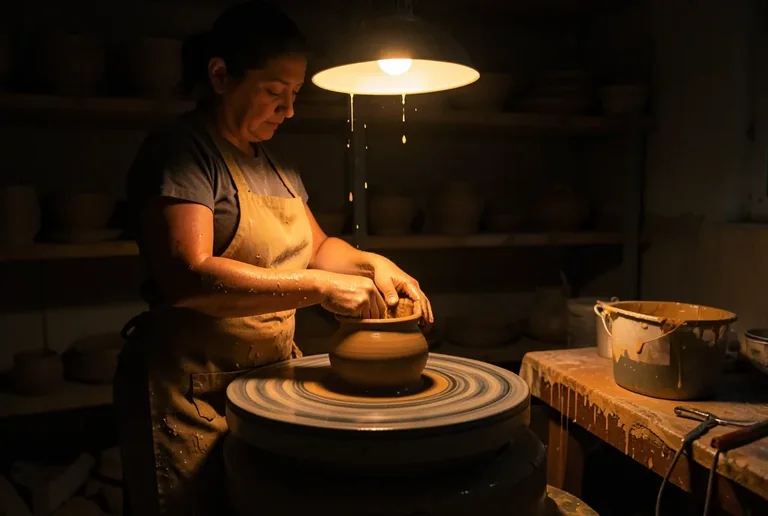
Moody Pottery Studio with a Spinning Wheel and Wet Clay
Midjourney
Steampunk City Street with Brass Clockwork Lampposts
Midjourney
Steampunk Submarine Exploring a Bioluminescent Deep-Sea Trench
Midjourney
Surreal Floating Doorway in a Desert at Dusk